 DMediQ
Hospital Management (HIS)
Hospital Management System (HIS) Software
Run every department of your hospital on one connected platform — from the front desk to discharge, across one branch or fifty.
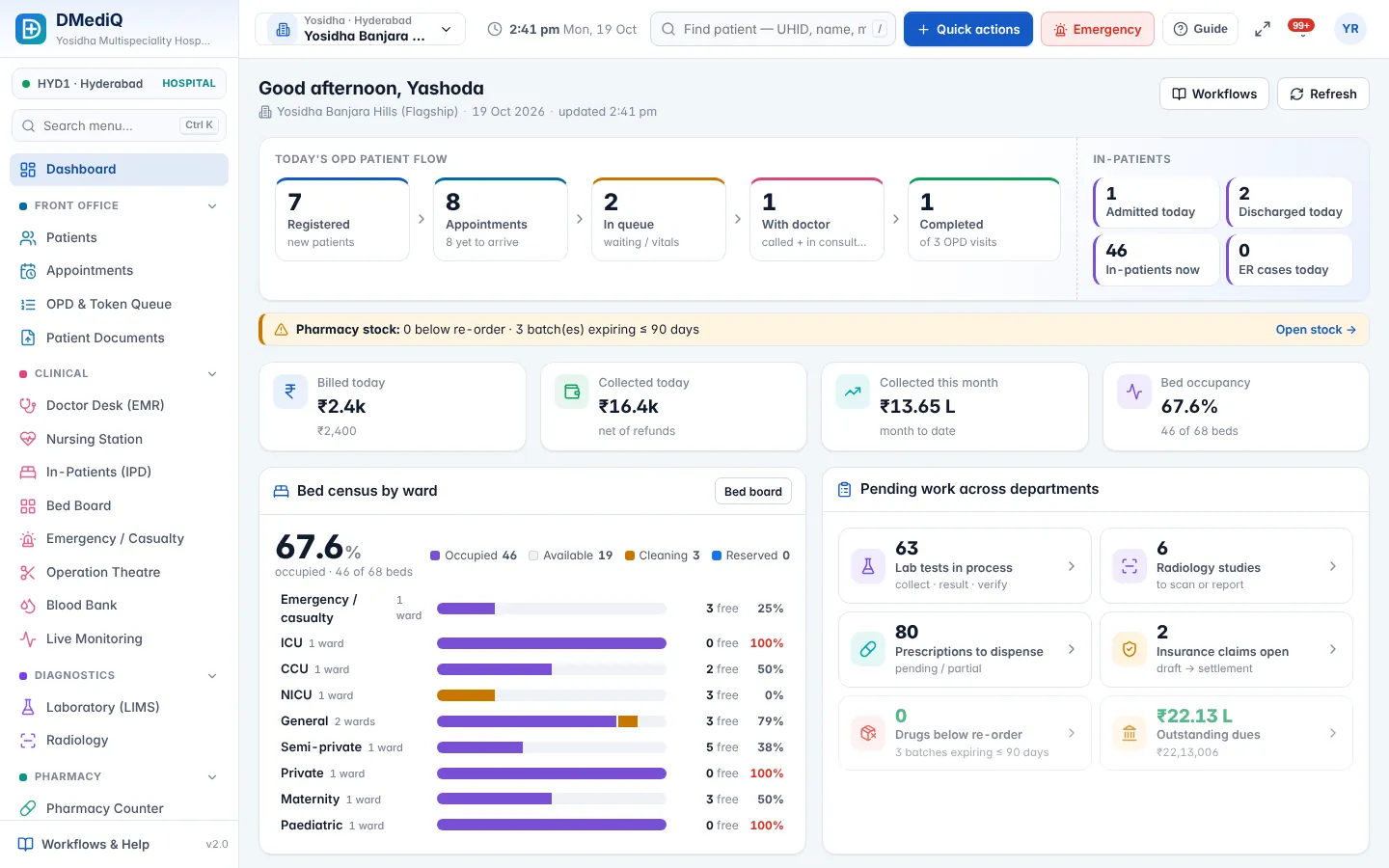
Key features
Patient registration & UHID
Register in under a minute, capture ID proofs and health IDs, print a barcode card and avoid duplicates automatically.
OPD, IPD & emergency
Token queues, admissions, bed transfers, nursing, OT schedules and casualty triage — all linked to one patient record.
Integrated diagnostics
Lab and radiology orders flow from the doctor to the technician and back as verified reports.
Pharmacy & stores
Prescriptions reach the counter instantly; stock, batches, expiry and purchase orders stay in sync.
Billing, packages & TPA
Auto-charged services, packages, advances, refunds, insurance pre-auth and claim tracking.
Multi-branch control
Group dashboards for owners, branch-scoped access for staff, central masters and pricing per branch.
Role-based access
Ready roles for doctors, nurses, reception, lab, pharmacy, billing and admin — fine-tune any permission.
Works on every device
Responsive screens for desktop, tablet and phone, plus self check-in kiosk and TV token boards.
More screens
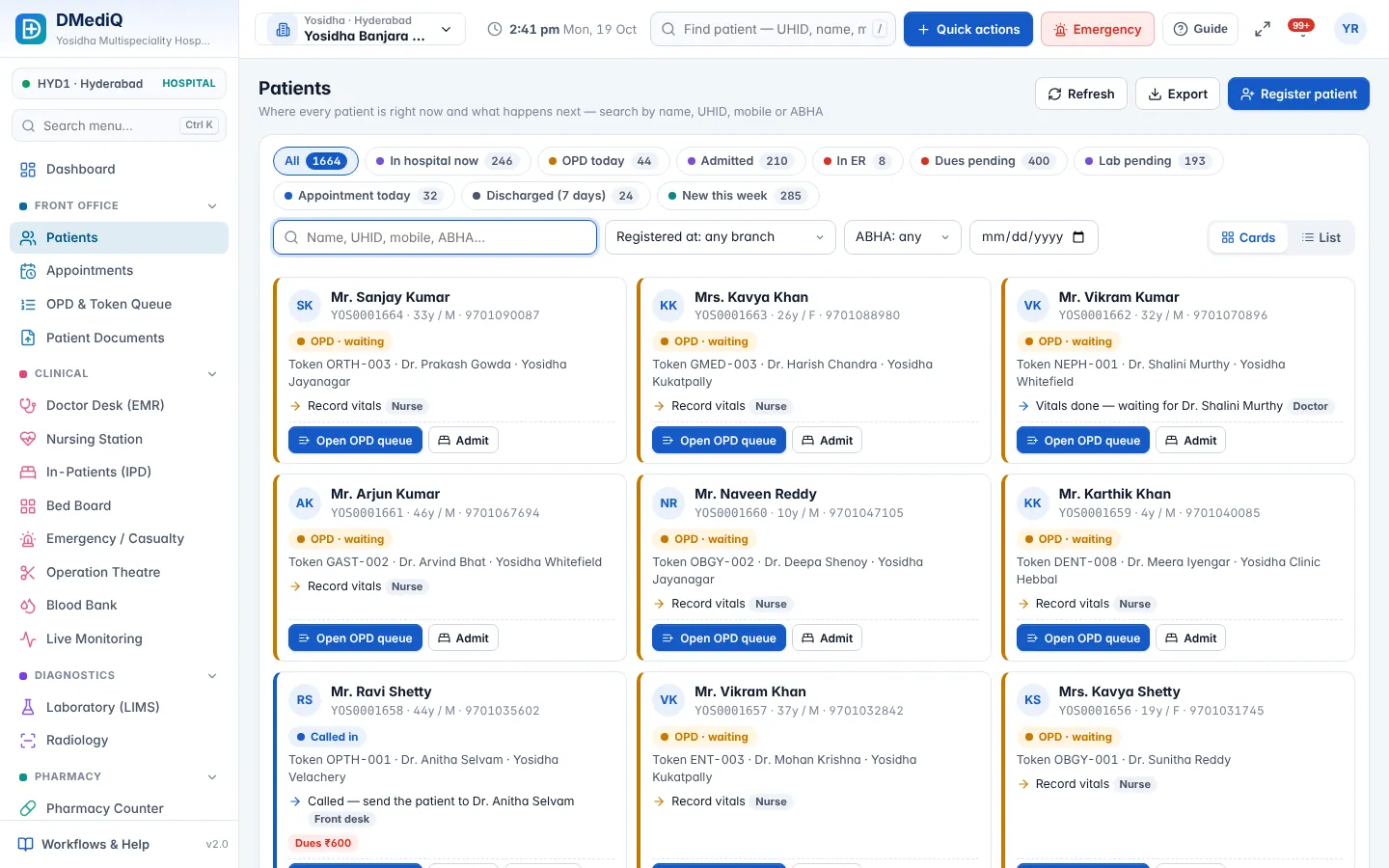
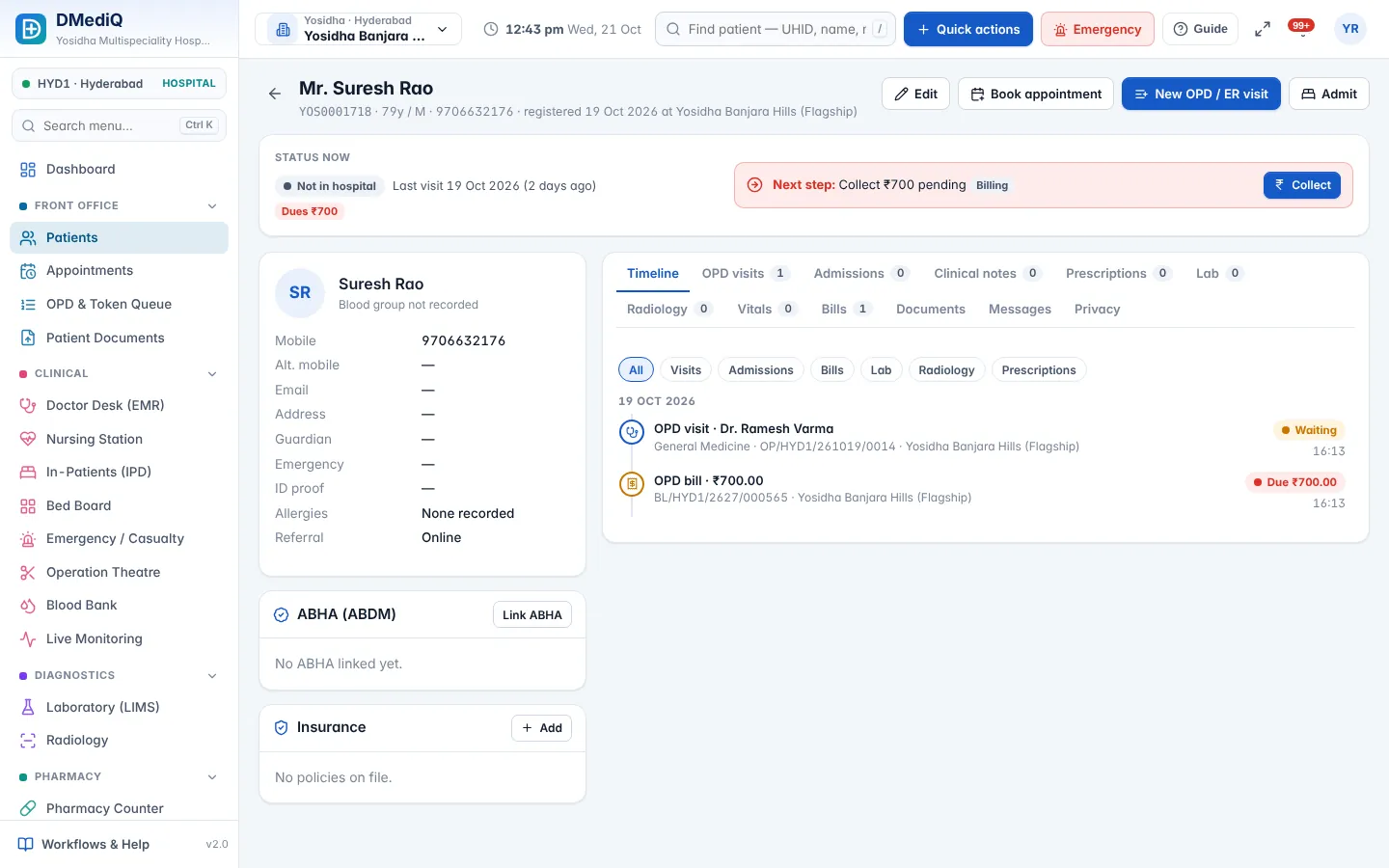
Example: a patient's day at a multi-speciality hospital
- 09:05
Reception registers Priya (UHID YOS0001624), collects the consultation fee, token CARD-004 prints.
- 09:20
Nurse records vitals; the queue shows her as “ready to call”.
- 09:35
Cardiologist writes the e-prescription and orders ECG + lipid profile.
- 10:10
Lab verifies results; the report appears in the doctor's desk and Priya gets an SMS with a secure link.
- 10:20
Pharmacy dispenses the prescription; billing closes the visit. The dashboard updates in real time.
Illustrative example with sample data.
FAQ — Hospital Management (HIS)
Is DMediQ cloud-based or on-premise?
Both. Use our cloud, or install it on your own server — the same software runs on Node.js and MySQL.
How long does it take to go live?
A single hospital usually goes live in 1–3 weeks. The setup wizard imports branches, doctors, services, prices and stock from Excel/CSV.
Can we use it in multiple branches?
Yes. Each branch has its own numbering, prices, stock and staff, while owners see group-wide reports.
Does DMediQ work without internet?
The cloud version needs internet. For hospitals with unreliable connectivity, DMediQ can be installed on a local server so it works on the hospital network.
Is our data safe and backed up?
Data is protected with role-based access, audit logs and encryption of sensitive fields. Backups are scheduled on our cloud or on your own server.
Can we customise forms and reports?
Yes. Masters, templates, prices, numbering and reports are configurable without code.
Do you provide training and support?
Yes. Role-wise training during go-live and ongoing support by phone, email and remote session.
Works together with
OPD & Appointments
Book, check in, triage and call patients in order — with live doctor load and zero confusion at the front desk.
EMR & Doctor Desk
Give doctors one screen with the full patient history, quick templates and e-prescriptions that print in seconds.
IPD, OT & Emergency
See every bed, every surgery and every emergency case in real time — and discharge faster with complete bills.