 DMediQ
Speciality
Multi-speciality Hospitals software
Every department, OT, IPD, pharmacy, laboratory and TPA connected across one or many branches.
EMR template for Multi-speciality Hospitals
Ready to use on day one and editable by your doctors.
- Department-specific EMR templates
- Shared patient timeline across departments
- Inter-department referrals
- Unified orders and results
Workflows covered
Every step is connected to billing, pharmacy and the lab.
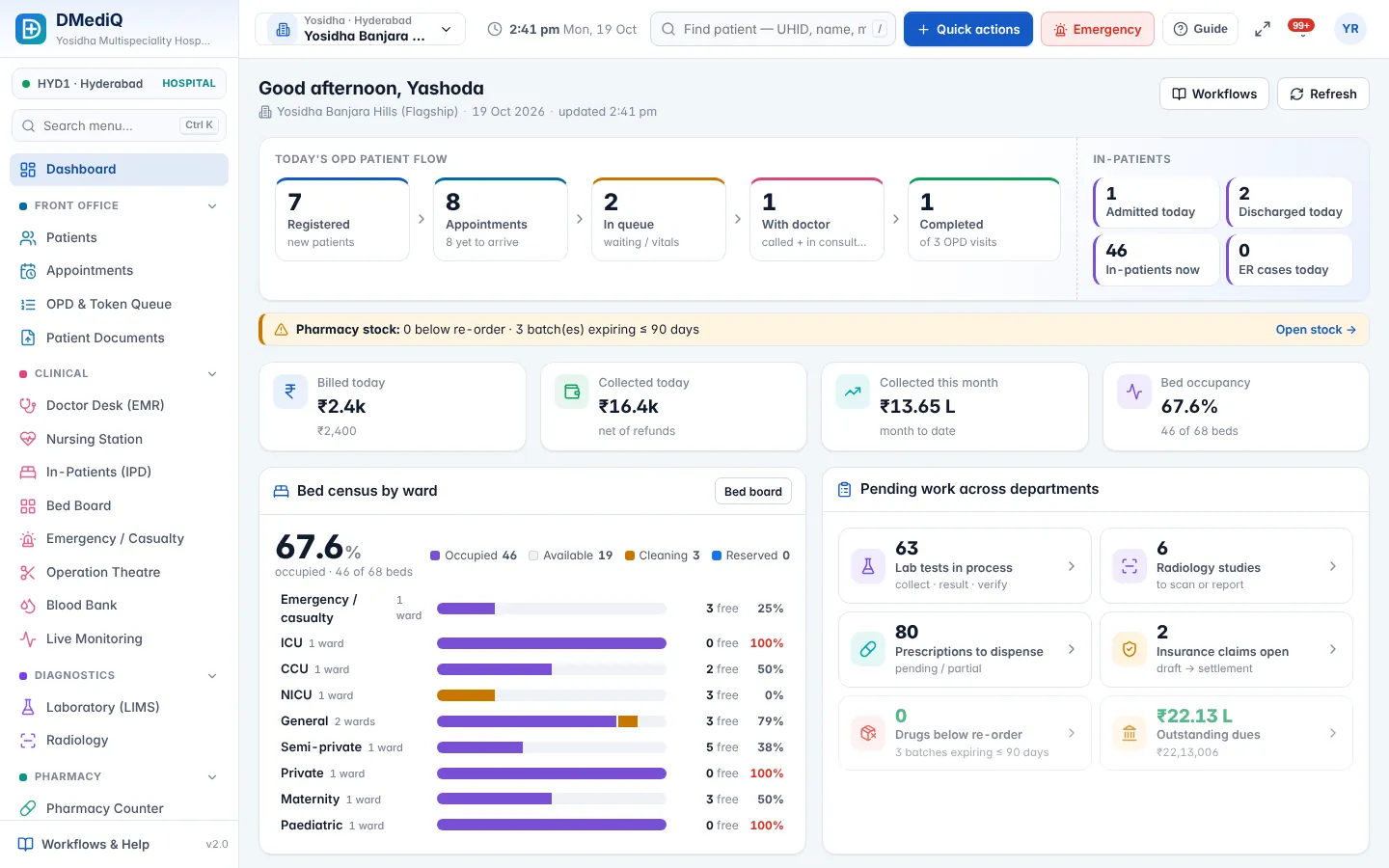
- Group dashboards across branches
- Central masters with branch prices
- Branch-scoped staff access
- Consolidated MIS
Multi-speciality Hospitals in DMediQ — screens
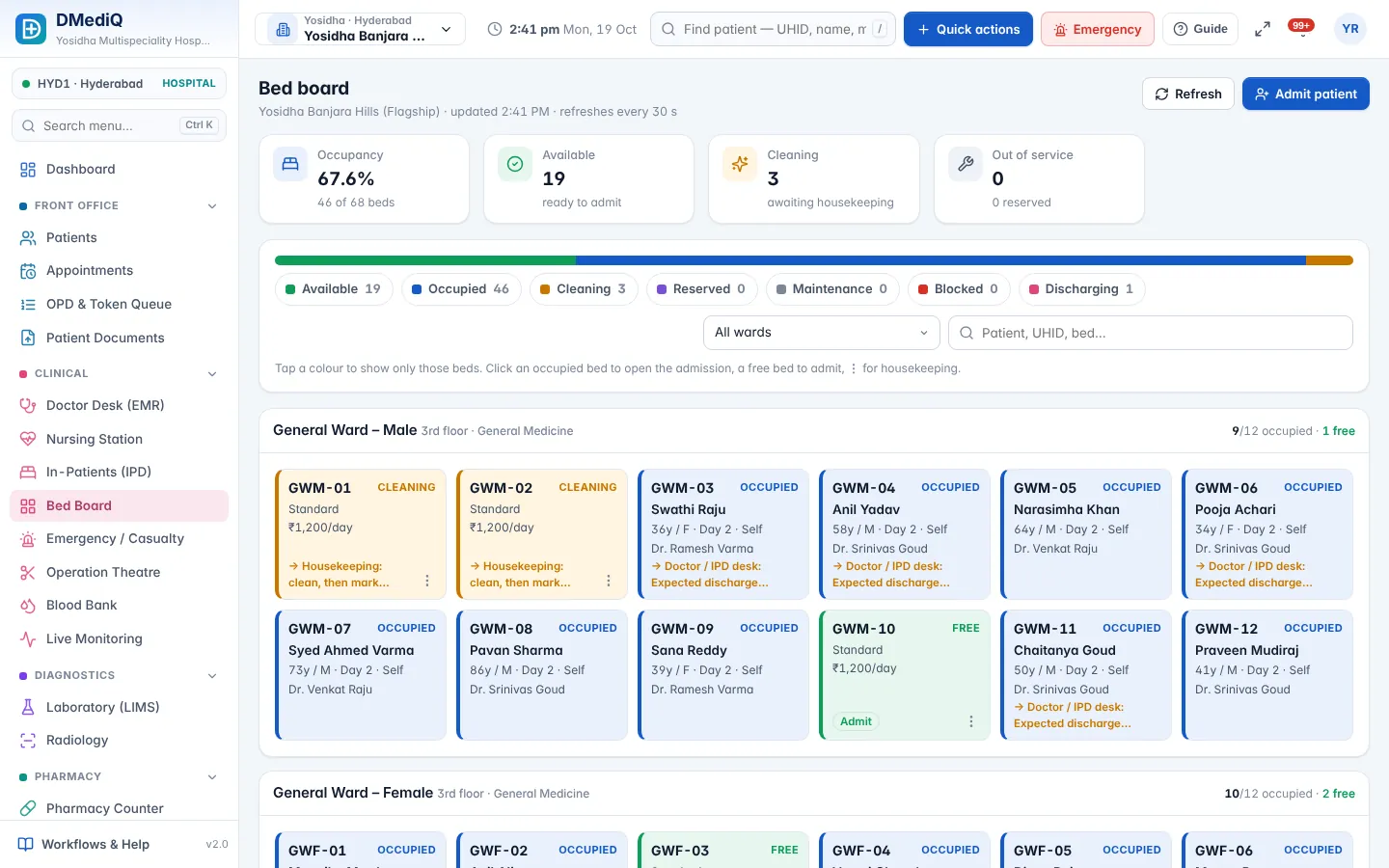
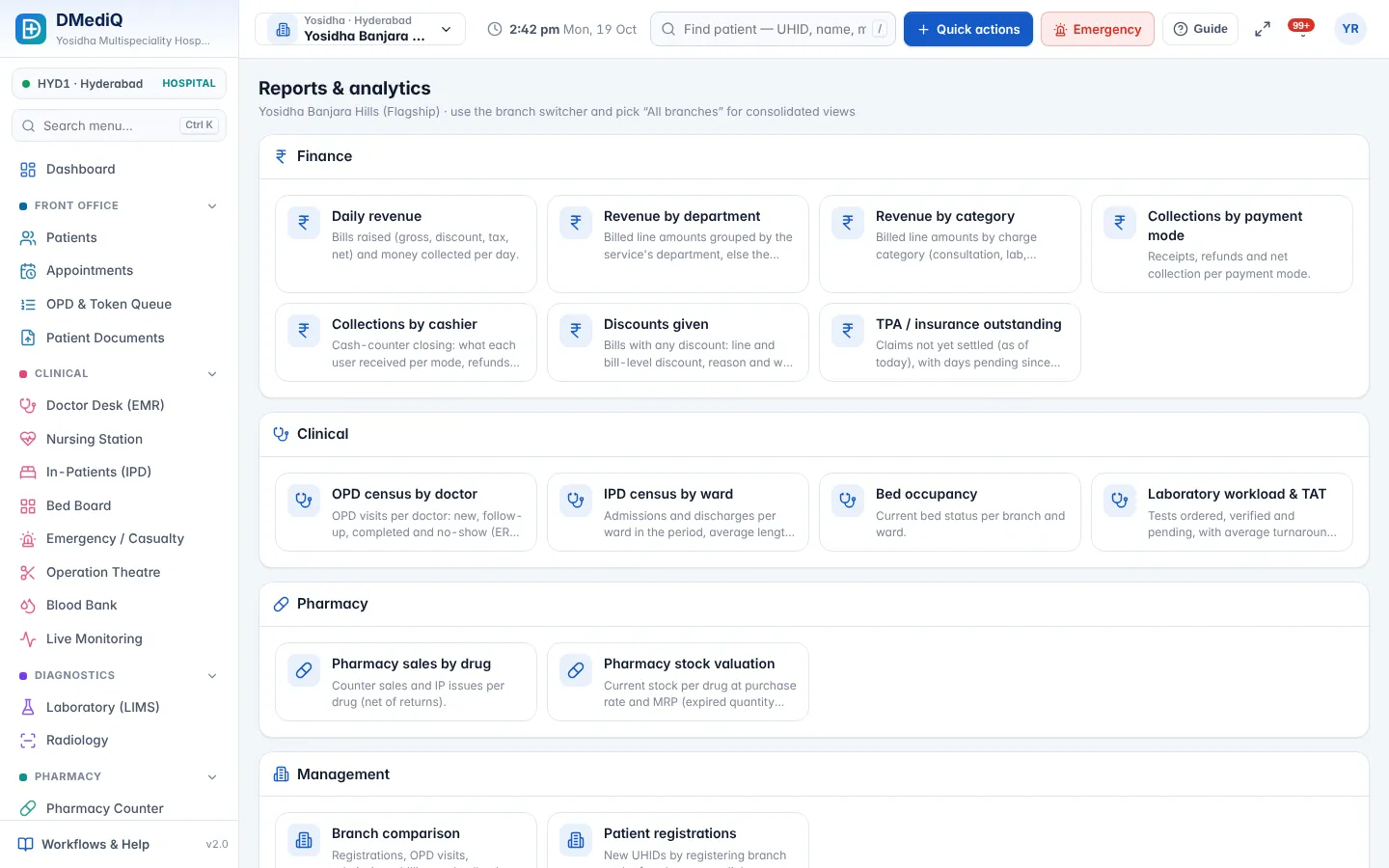
Example: a multi-speciality hospitals patient in DMediQ
- Step 1
The owner checks group revenue and occupancy each morning.
- Step 2
A patient referred from cardiology to nephrology keeps one record.
- Step 3
Reports compare branches, departments and doctors.
Illustrative example with sample data.
Modules used by Multi-speciality Hospitals
FAQ — Multi-speciality Hospitals
Can we start with a few departments?
Yes. Turn modules and departments on as you grow.