 DMediQ
Speciality
ENT software
Ear, nose and throat examinations, audiometry results and procedure templates for ENT clinics and departments.
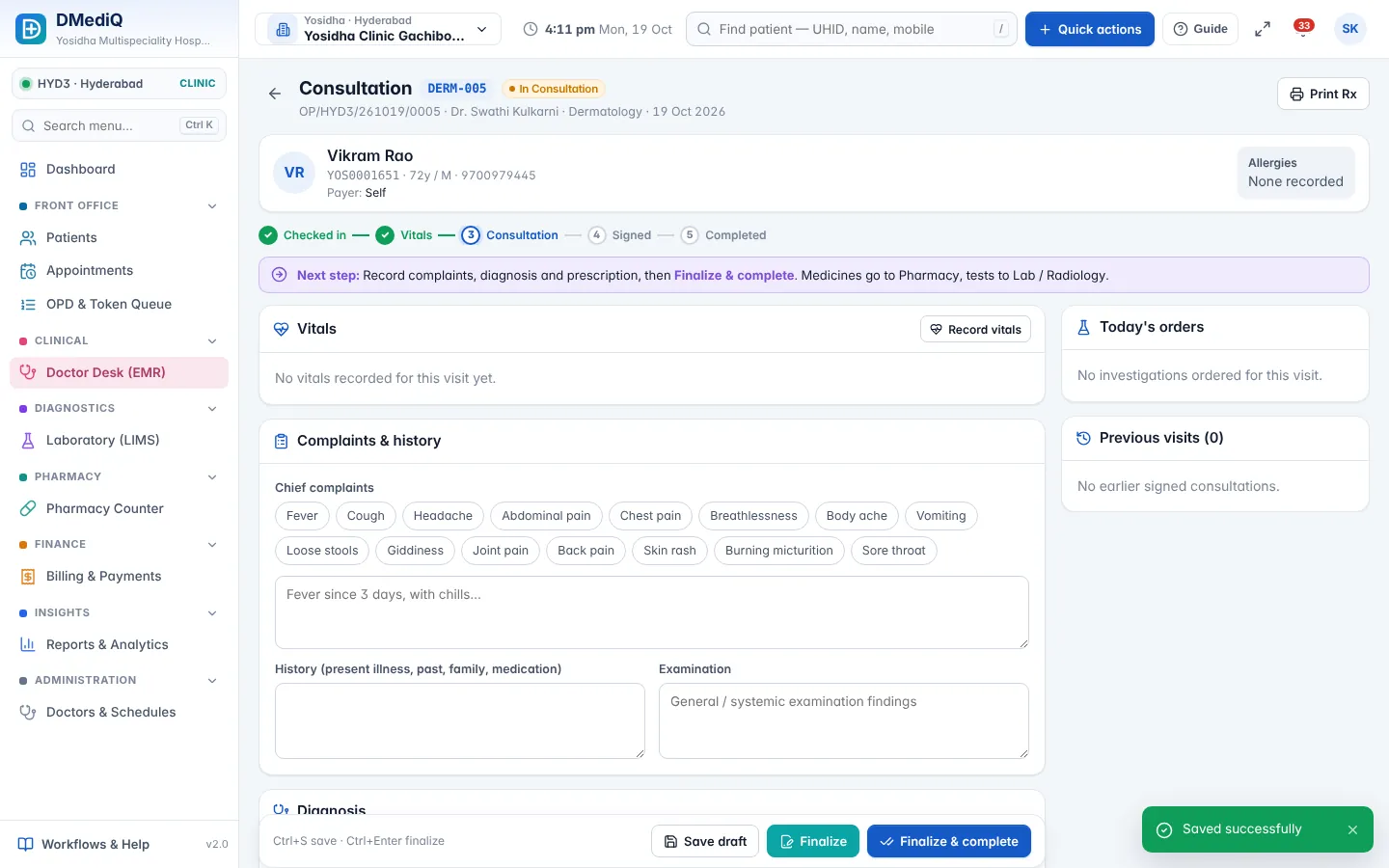
EMR template for ENT
Ready to use on day one and editable by your doctors.
- Otoscopy, nasal and throat examination
- Audiometry and tympanometry results
- Endoscopy findings
- Procedure notes (FESS, tonsillectomy, myringotomy)
Workflows covered
Every step is connected to billing, pharmacy and the lab.
- Audiometry as a billable investigation
- ENT procedure packages
- Day-care surgery
- Follow-up reminders
ENT in DMediQ — screens
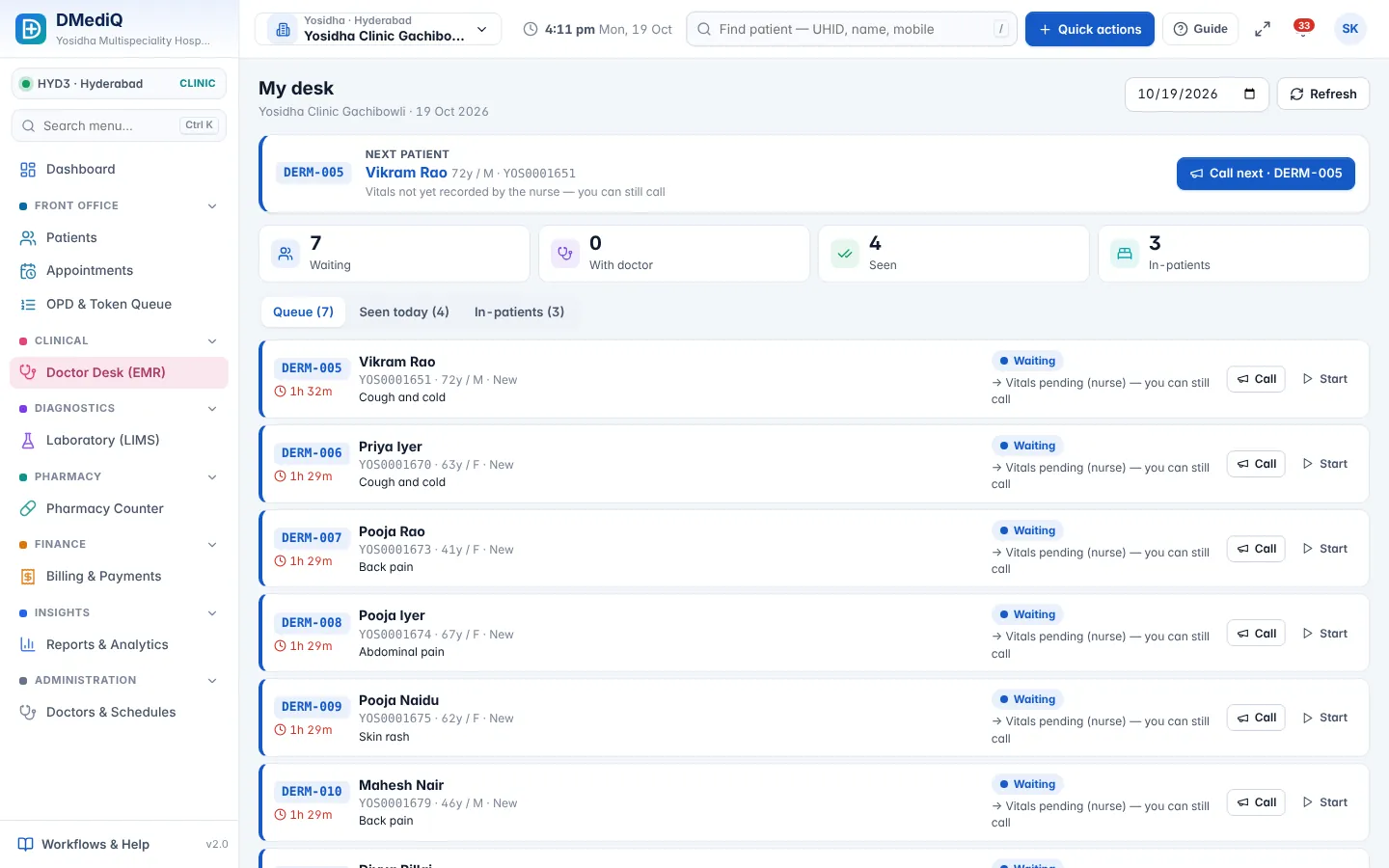
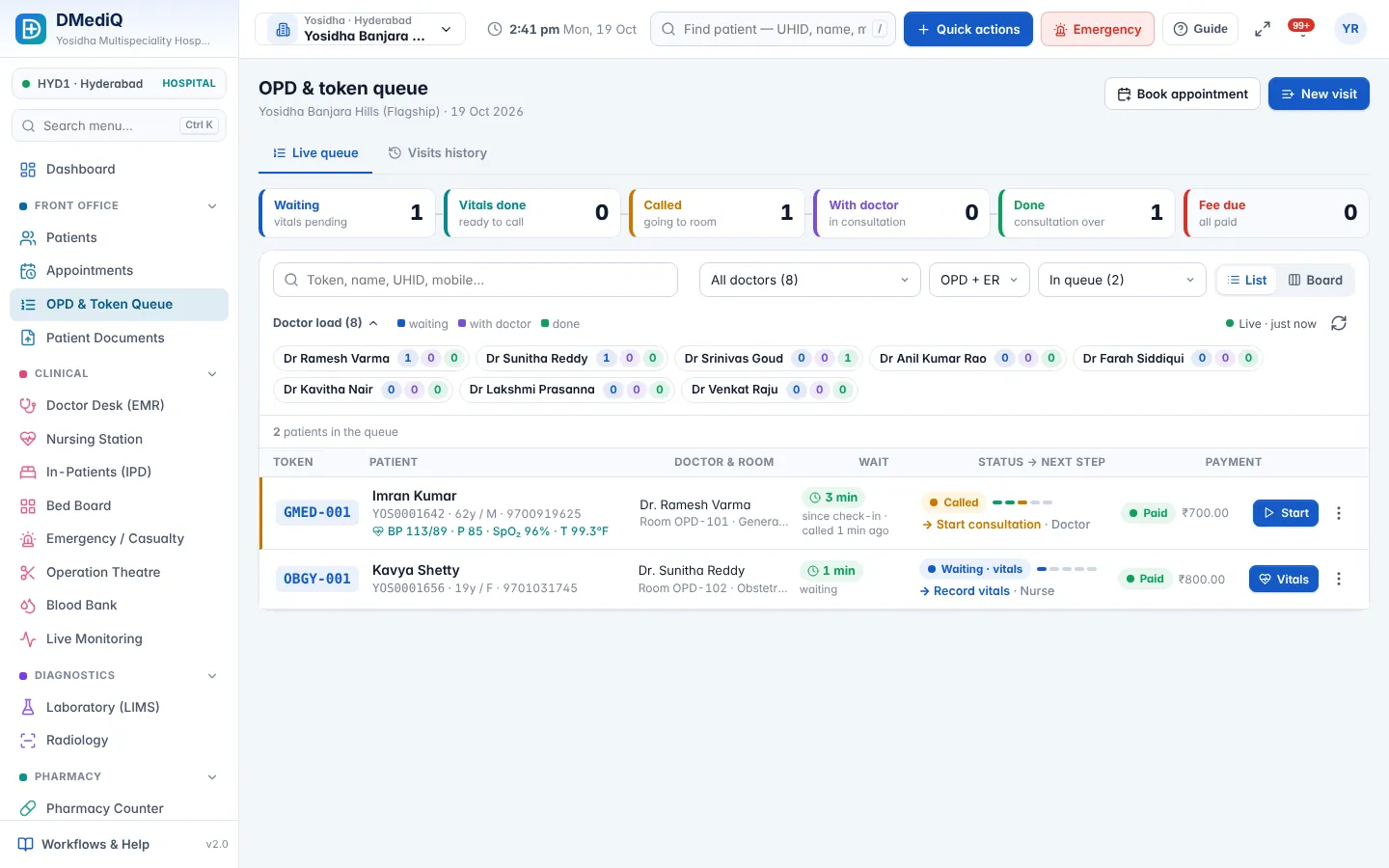
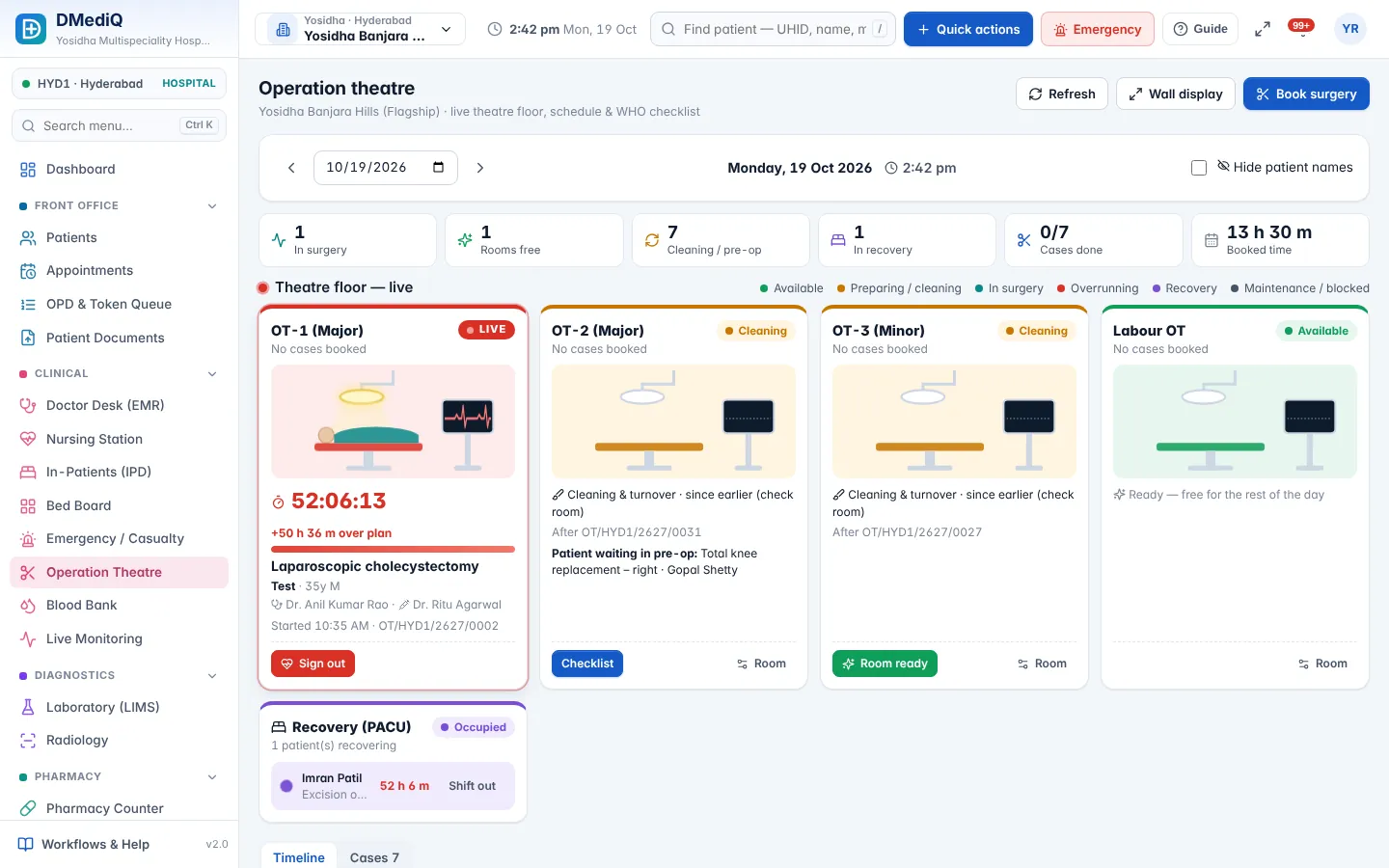
Example: a ent patient in DMediQ
- Step 1
A patient with chronic sinusitis is seen; nasal endoscopy findings are recorded.
- Step 2
FESS is planned under a package and booked in OT.
- Step 3
The follow-up visit is booked automatically for one week later.
Illustrative example with sample data.
Modules used by ENT
FAQ — ENT
Can we attach audiogram images?
Yes. Upload audiograms and endoscopy images to the patient documents.