Speciality

Pulmonology software

PFT results, sleep studies, oxygen therapy and respiratory ICU monitoring.
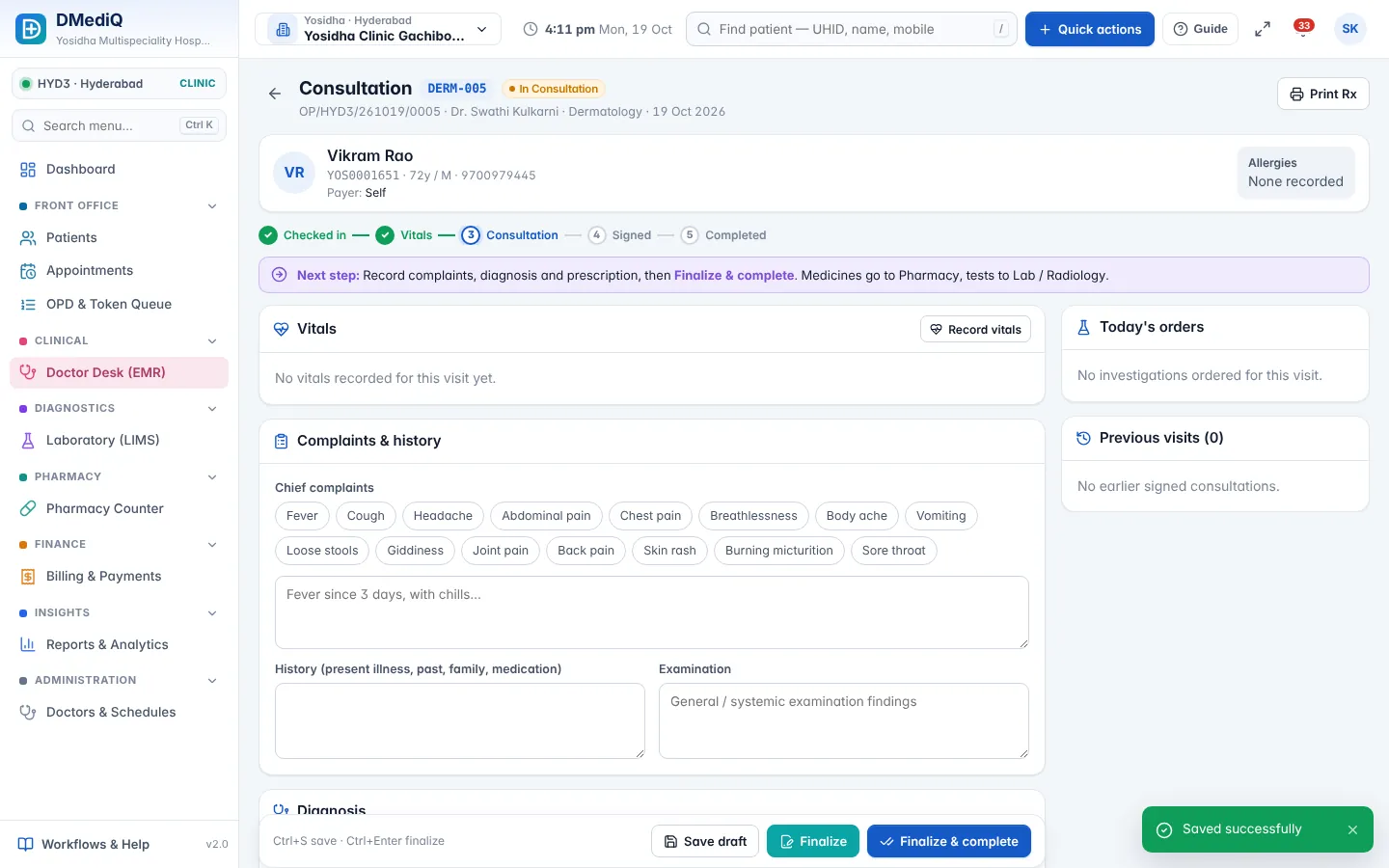
DMediQ for Pulmonology — consultation screen
Pulmonology: Consultation — vitals, complaints, history, diagnosis, orders and prescription in one flow

EMR template for Pulmonology

Ready to use on day one and editable by your doctors.

  • Respiratory history and smoking index
  • PFT values (FEV1, FVC, ratio)
  • Sleep study summary
  • Oxygen and inhaler prescriptions

Workflows covered

Every step is connected to billing, pharmacy and the lab.

  • PFT as a billable investigation
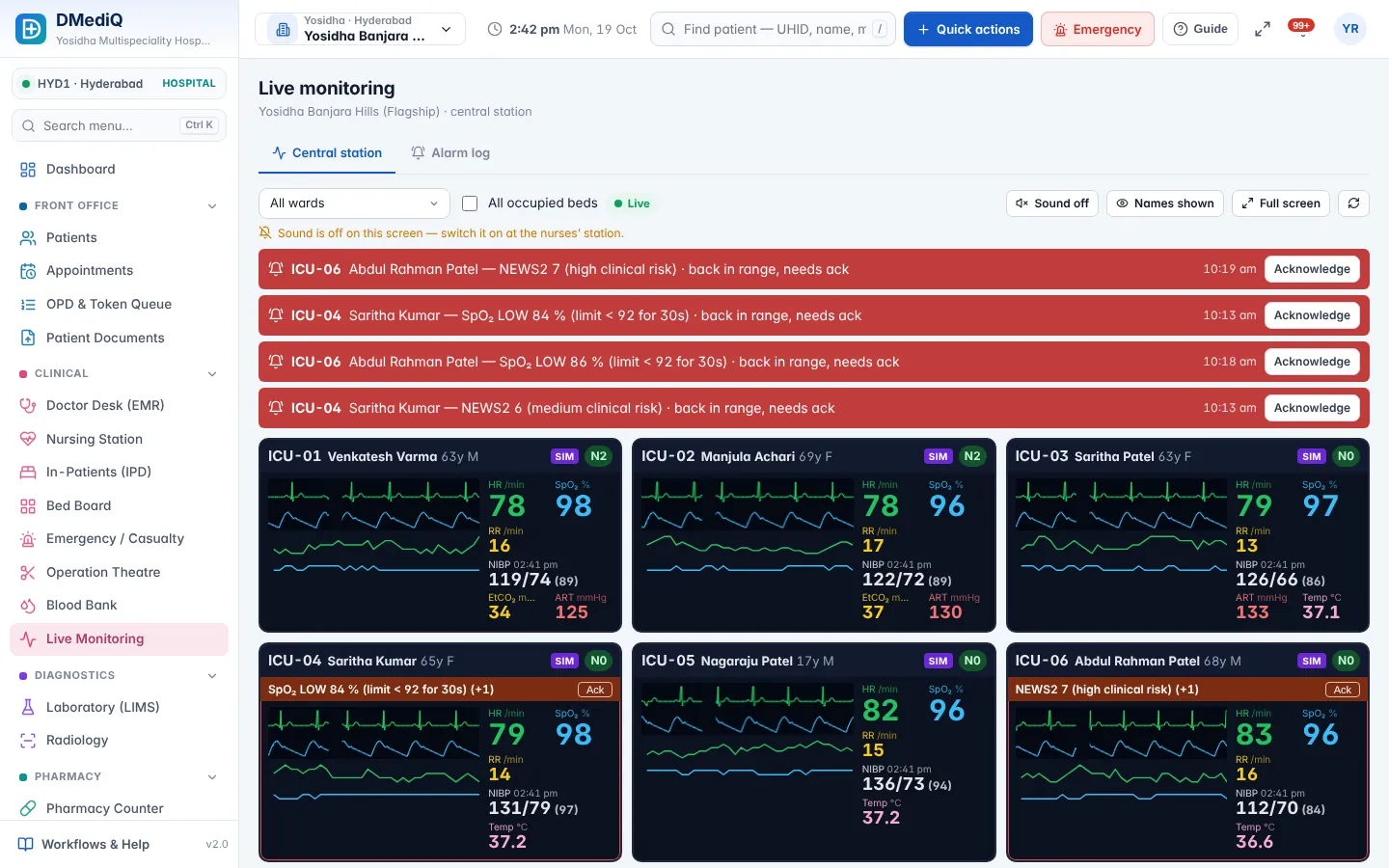
  • Respiratory ICU with SpO₂ alarms
  • Inhaler technique education via messages
  • Follow-up reminders

Pulmonology in DMediQ — screens
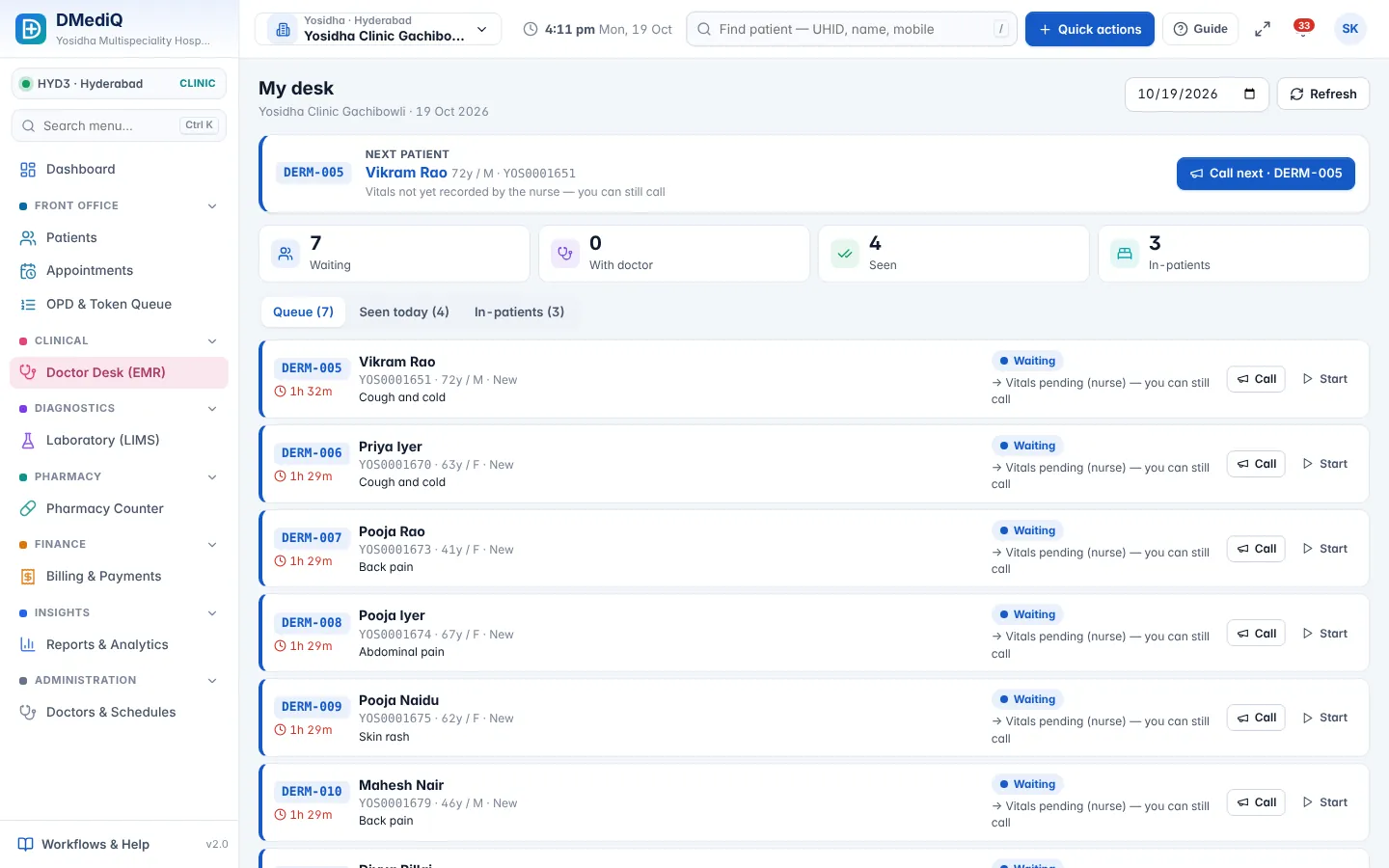
DMediQ Pulmonology — Doctor desk — today's queue with waiting time, next patient and one-click start.
Doctor desk — today's queue with waiting time, next patient and one-click start.
DMediQ Pulmonology — Central station — live vitals per bed, NEWS2 scores and alarms waiting for acknowledgement.
Central station — live vitals per bed, NEWS2 scores and alarms waiting for acknowledgement.
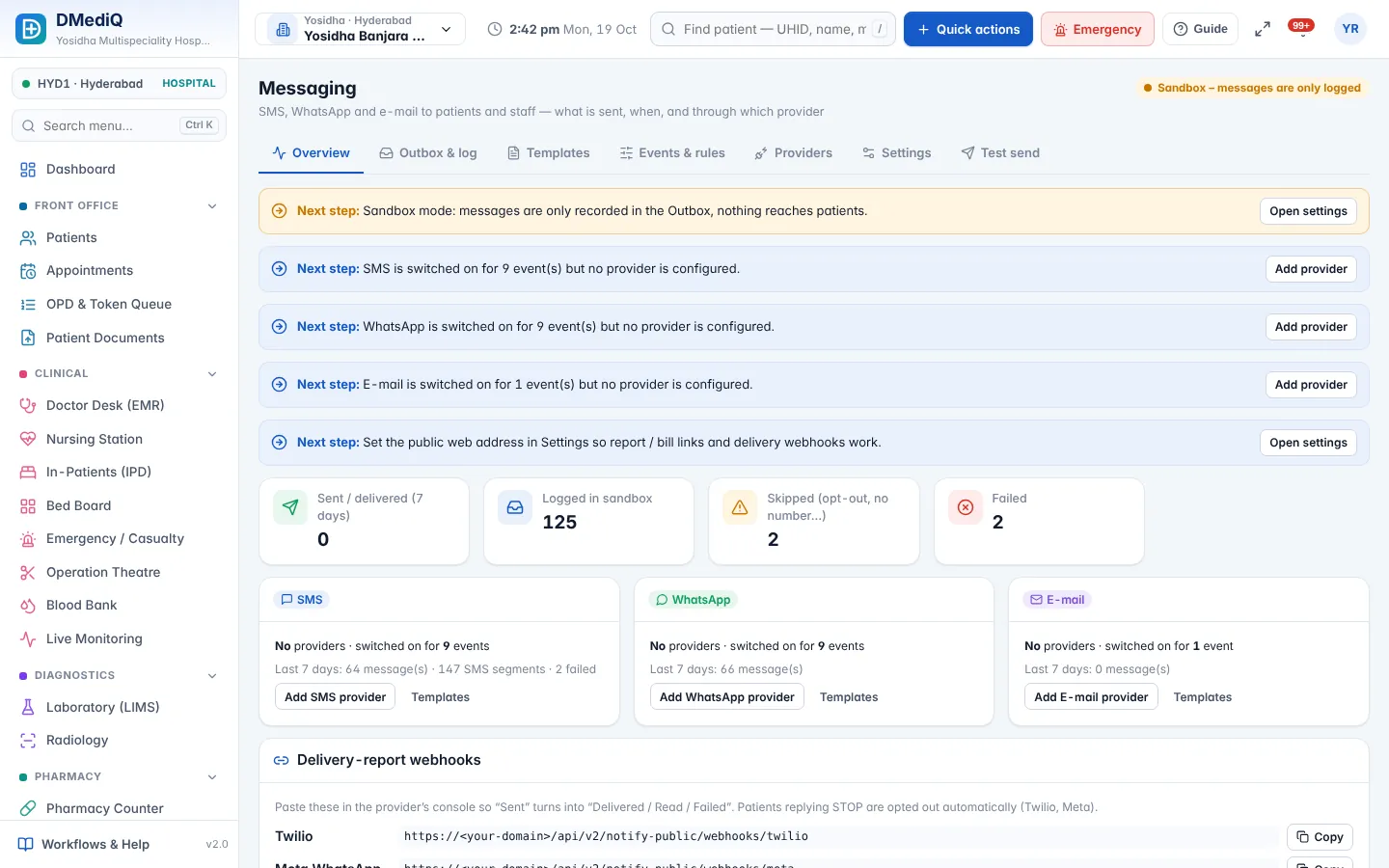
DMediQ Pulmonology — Message templates — choose channel, edit wording, preview with sample data.
Message templates — choose channel, edit wording, preview with sample data.

Example: a pulmonology patient in DMediQ

  1. Step 1

    A COPD patient's PFT is recorded and compared with last year's.

  2. Step 2

    During admission, SpO₂ is monitored with alarm limits.

  3. Step 3

    A discharge message includes the inhaler schedule.

Illustrative example with sample data.

DMediQ — Doctor desk — today's queue with waiting time, next patient and one-click start.
How it looks in DMediQ: Doctor desk — today's queue with waiting time, next patient and one-click start.

FAQ — Pulmonology

Can we set custom SpO₂ alarm limits?

Yes. Alarm limits can be set per bed or per patient.

See DMediQ running with your hospital's workflow

A 30-minute live demo with sample data for your speciality — no obligation.