 DMediQ
Speciality
Psychiatry software
Confidential notes with restricted access, assessment scales and regular follow-ups.
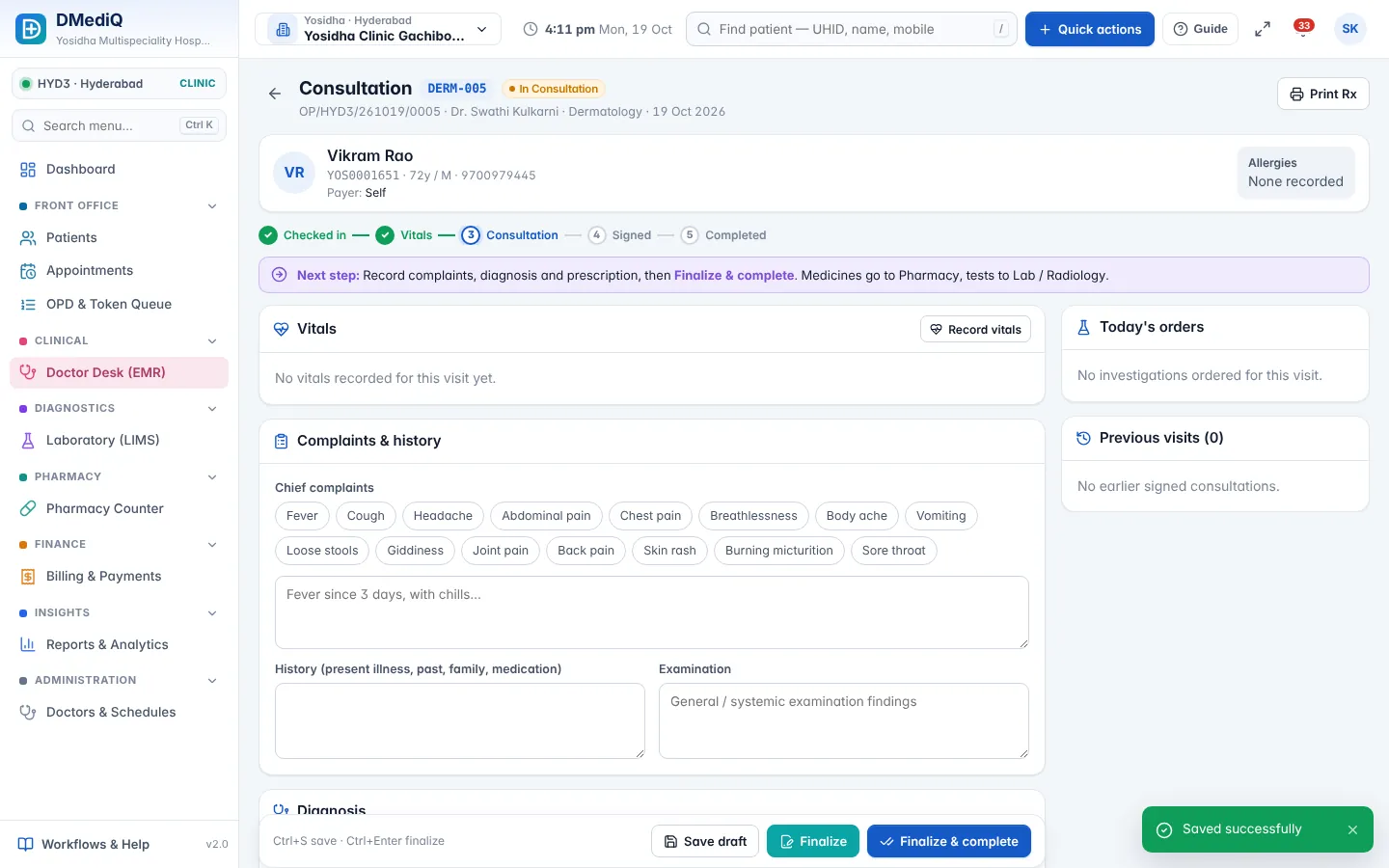
EMR template for Psychiatry
Ready to use on day one and editable by your doctors.
- Mental status examination
- Assessment scales (PHQ-9, GAD-7 and others)
- Confidential session notes
- Medication and side-effect review
Workflows covered
Every step is connected to billing, pharmacy and the lab.
- Restricted access to psychiatric notes
- Therapy session packages
- Follow-up reminders
- Access log of who viewed the record
Psychiatry in DMediQ — screens
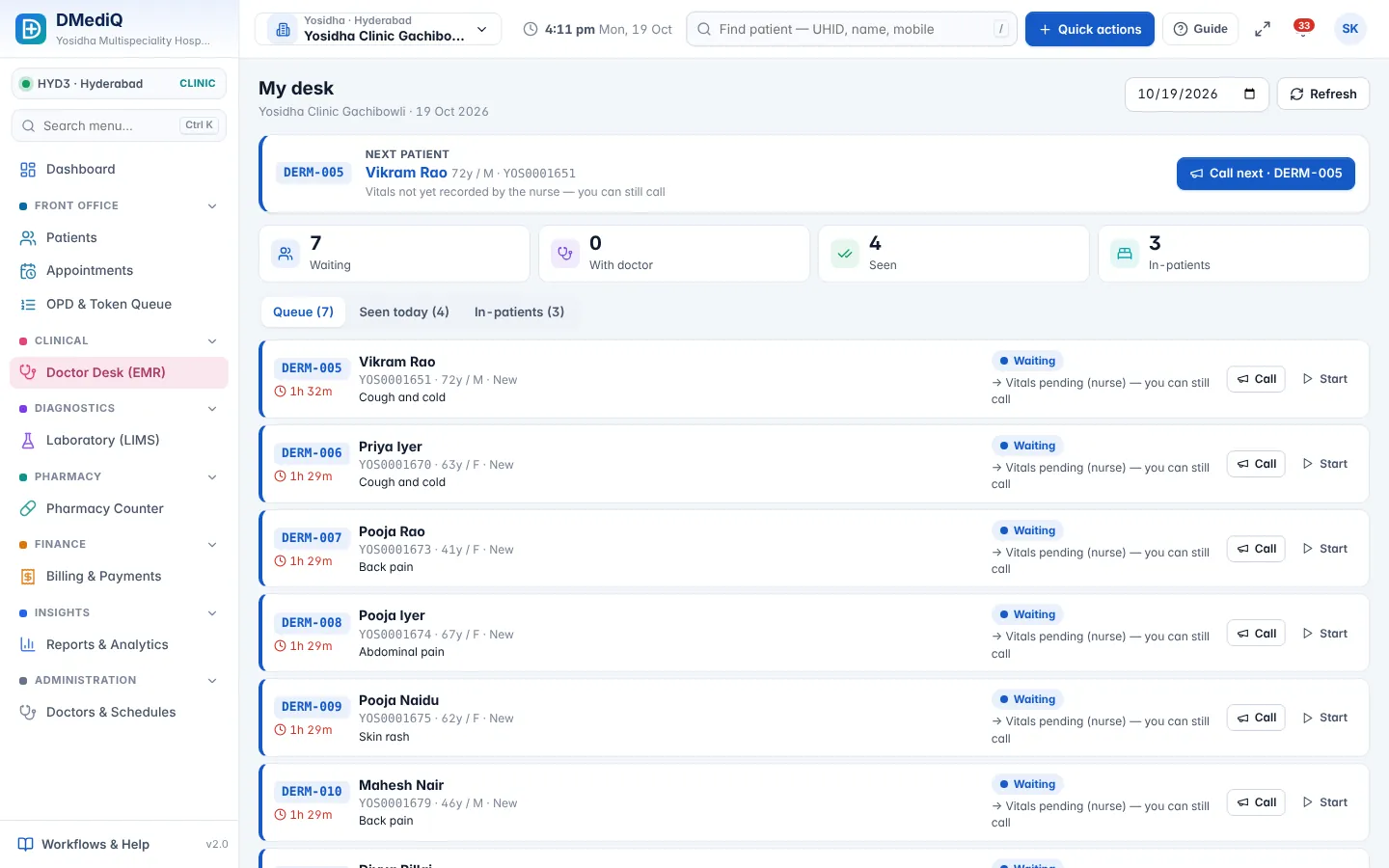
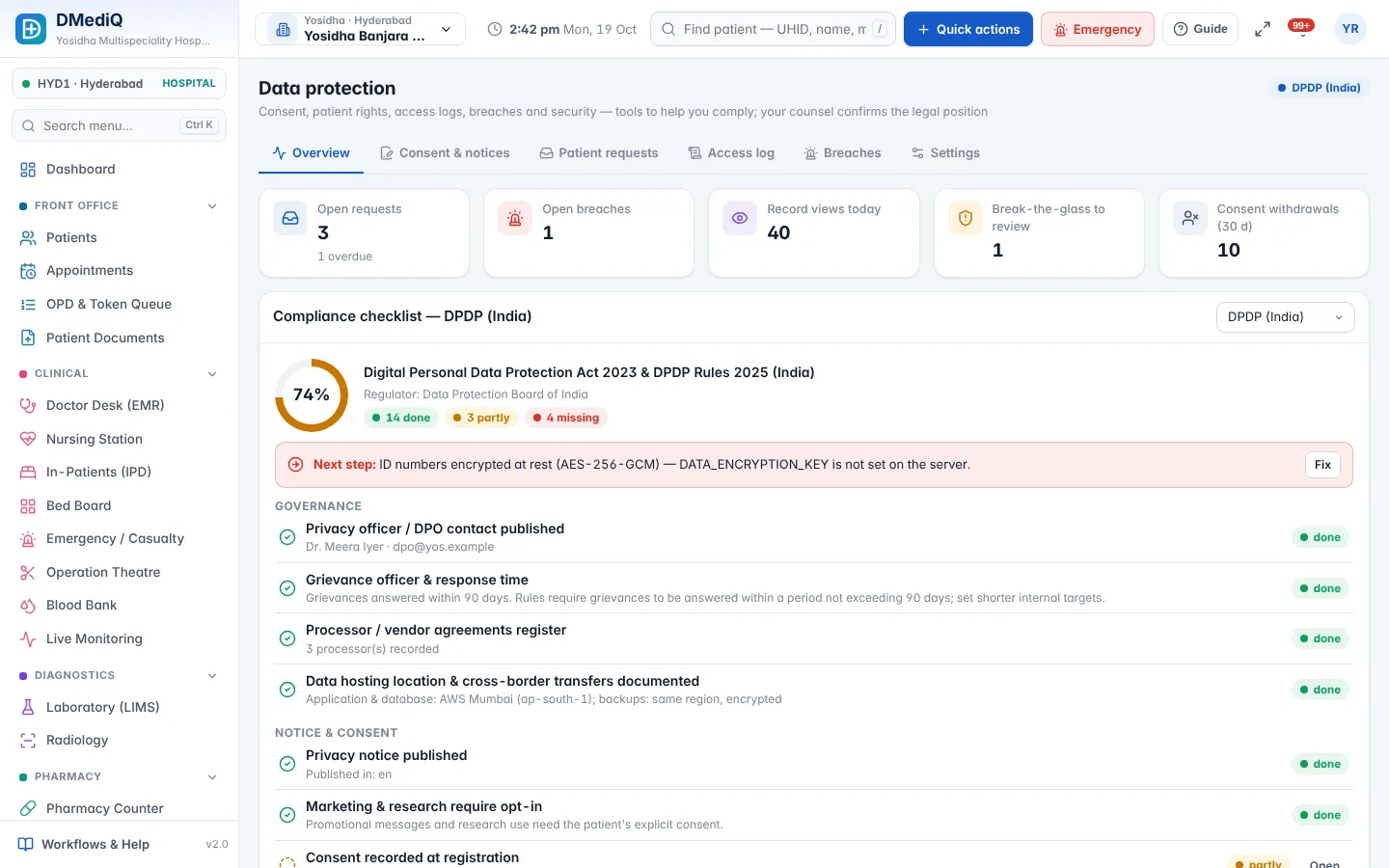
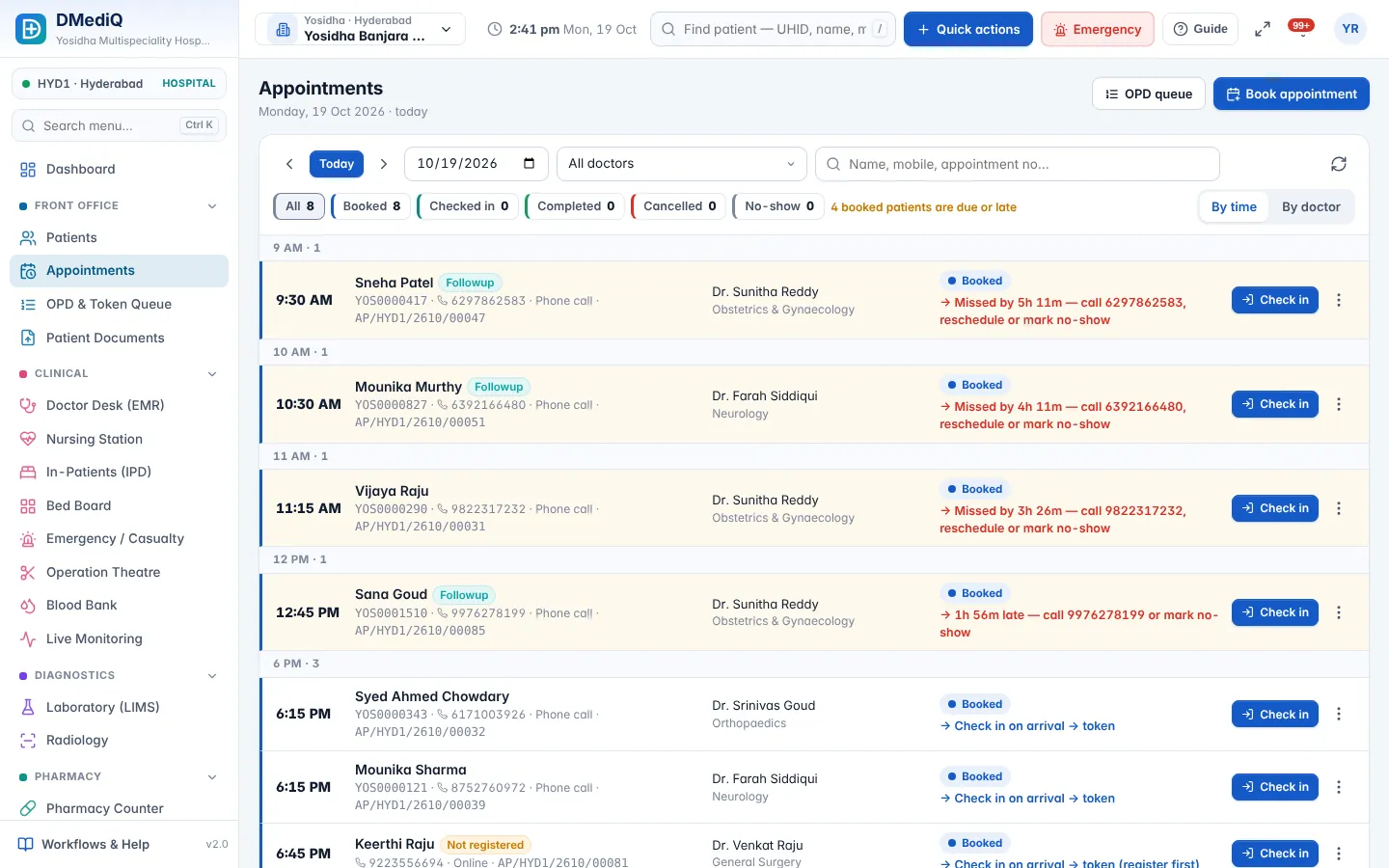
Example: a psychiatry patient in DMediQ
- Step 1
Session notes are visible only to the treating team.
- Step 2
PHQ-9 scores are tracked across visits.
- Step 3
The access log shows every view of the record.
Illustrative example with sample data.
Modules used by Psychiatry
FAQ — Psychiatry
Can we restrict who sees psychiatric notes?
Yes. Role permissions and confidential flags limit access, and every view is logged.