 DMediQ
Speciality
Dental software
Tooth charts, treatment plans by tooth, lab work and staged payments for dental clinics and hospital dental departments.
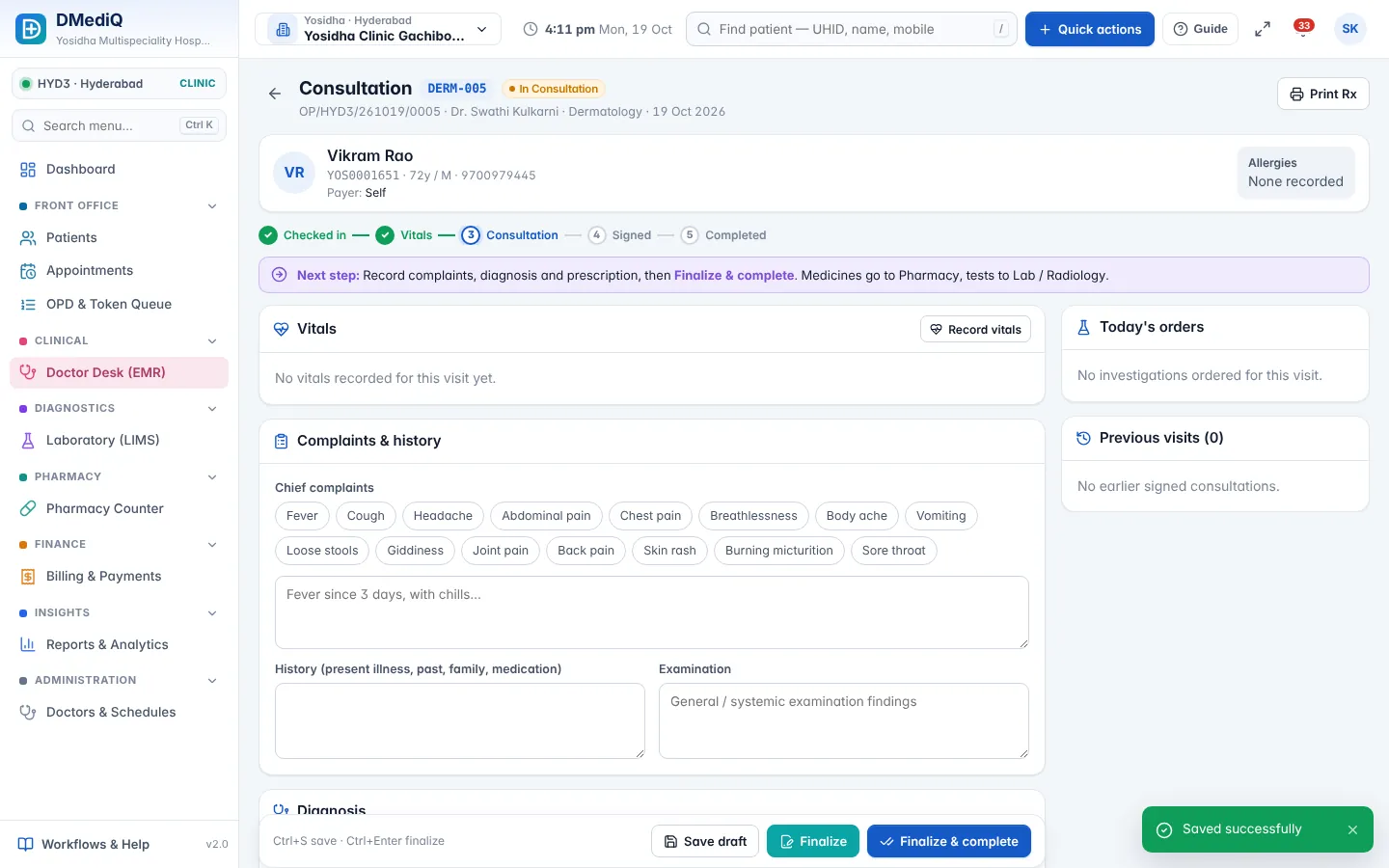
EMR template for Dental
Ready to use on day one and editable by your doctors.
- Tooth chart (FDI numbering) with findings
- Treatment plan per tooth
- Procedure notes (RCT, crown, extraction)
- Dental X-ray uploads
Workflows covered
Every step is connected to billing, pharmacy and the lab.
- Multi-visit treatment plans
- Staged payments and estimates
- Dental lab orders
- Recall reminders
Dental in DMediQ — screens
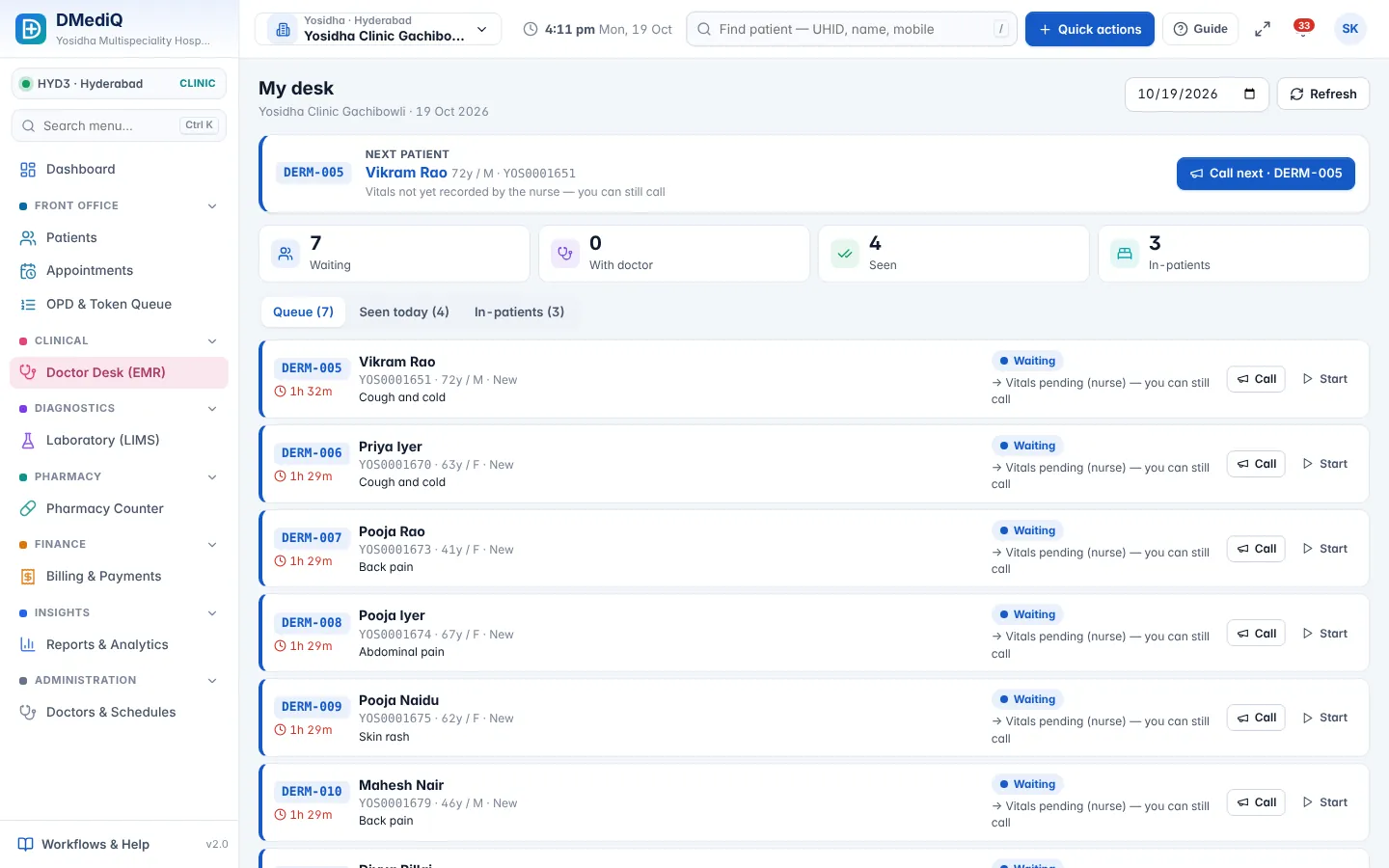
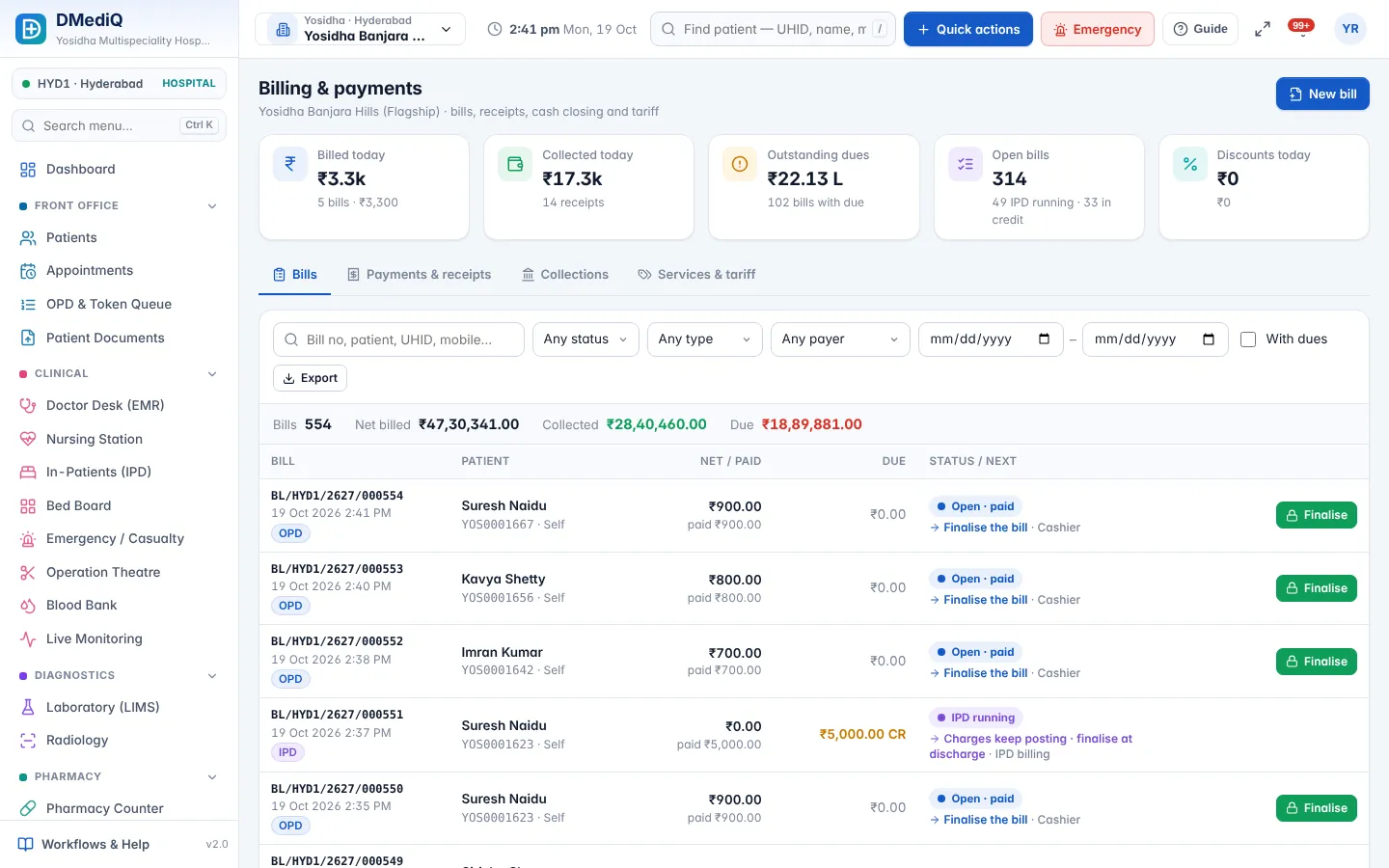
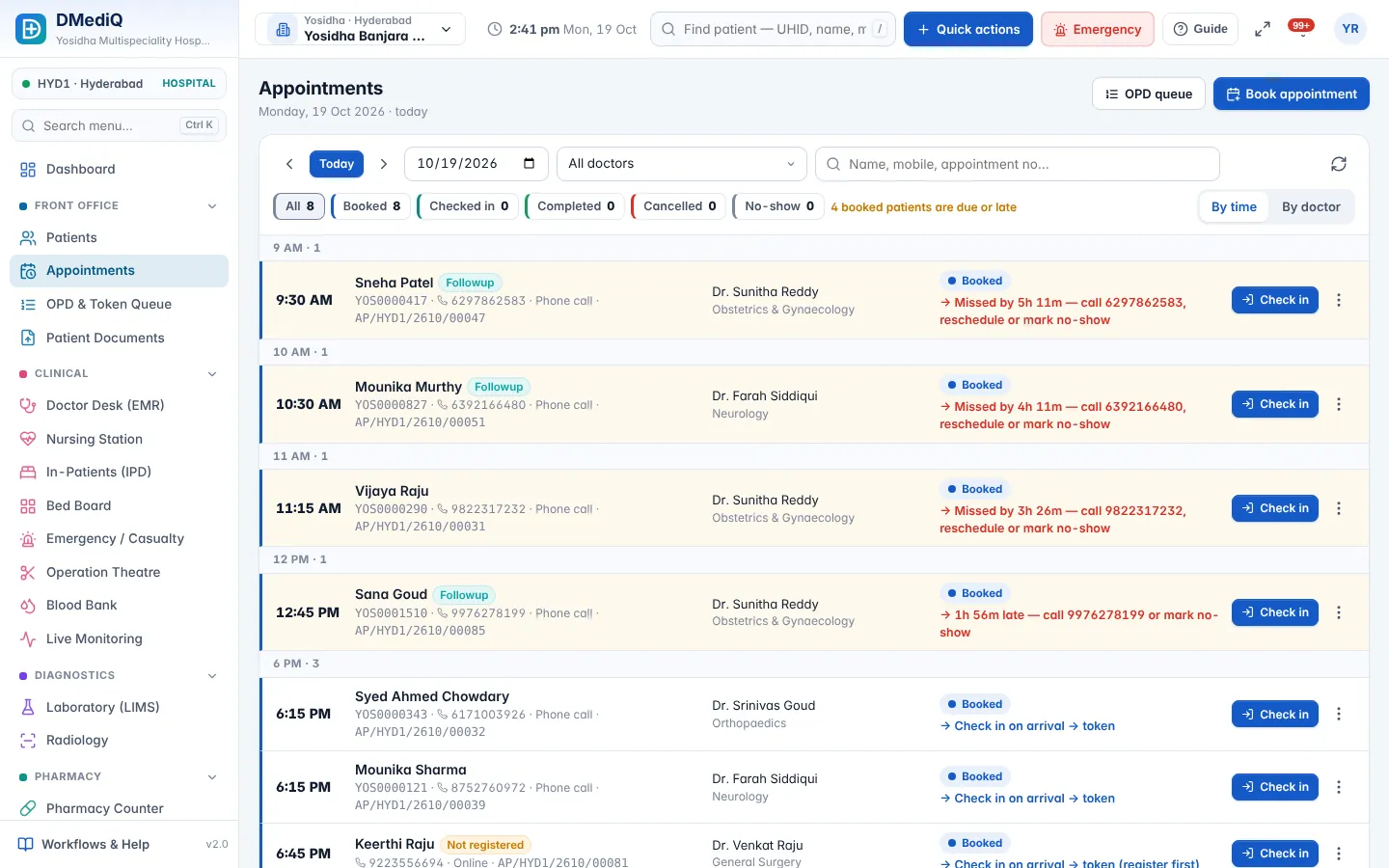
Example: a dental patient in DMediQ
- Step 1
A treatment plan is made: RCT on 36, then a crown.
- Step 2
The estimate is shared and an advance is collected.
- Step 3
Visits are booked for each stage; the crown lab work is tracked.
Illustrative example with sample data.
Modules used by Dental
FAQ — Dental
Does it support staged billing?
Yes. Bill each stage of treatment, with advances adjusted automatically.