 DMediQ
Speciality
Nephrology & Dialysis software
Dialysis sessions, dry weight, vascular access and monthly lab panels for nephrology units and dialysis centres.
EMR template for Nephrology & Dialysis
Ready to use on day one and editable by your doctors.
- CKD stage and eGFR trend
- Dialysis prescription (duration, flow, dialyser)
- Pre/post weight, BP and complications
- Vascular access details
Workflows covered
Every step is connected to billing, pharmacy and the lab.
- Dialysis slot scheduling
- Session charting per machine
- Monthly lab panels
- Session-wise or package billing and insurance schemes
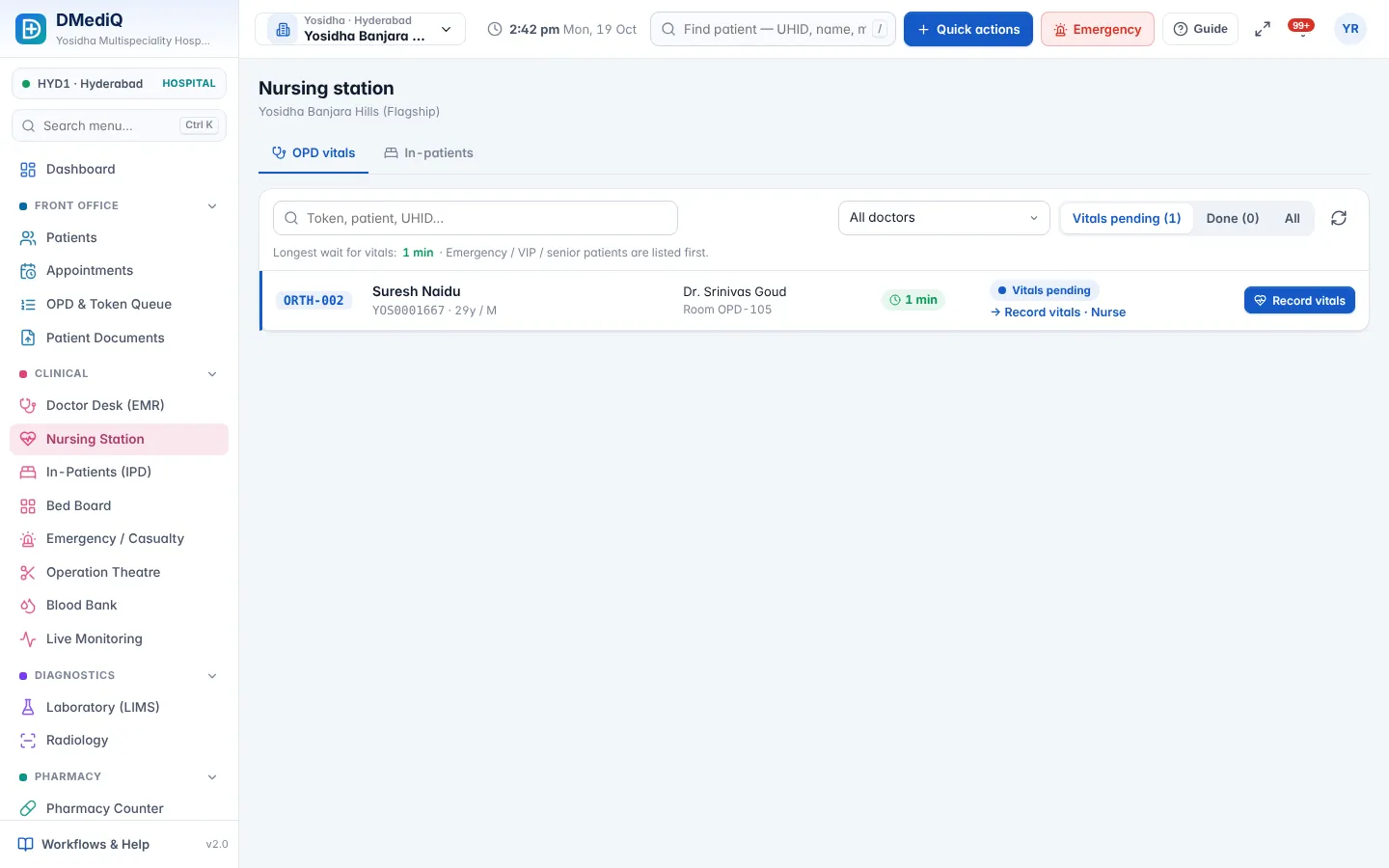
Nephrology & Dialysis in DMediQ — screens
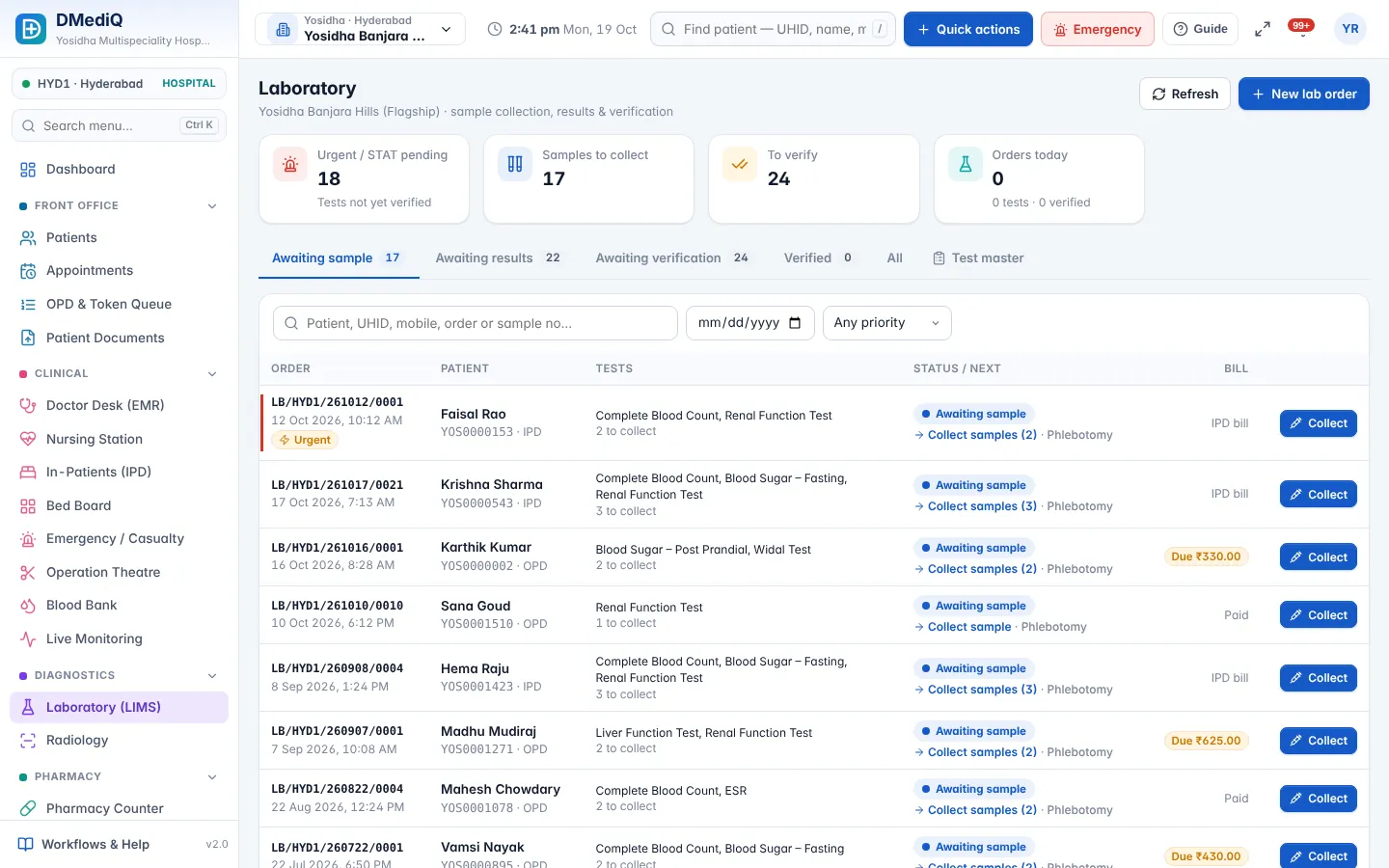
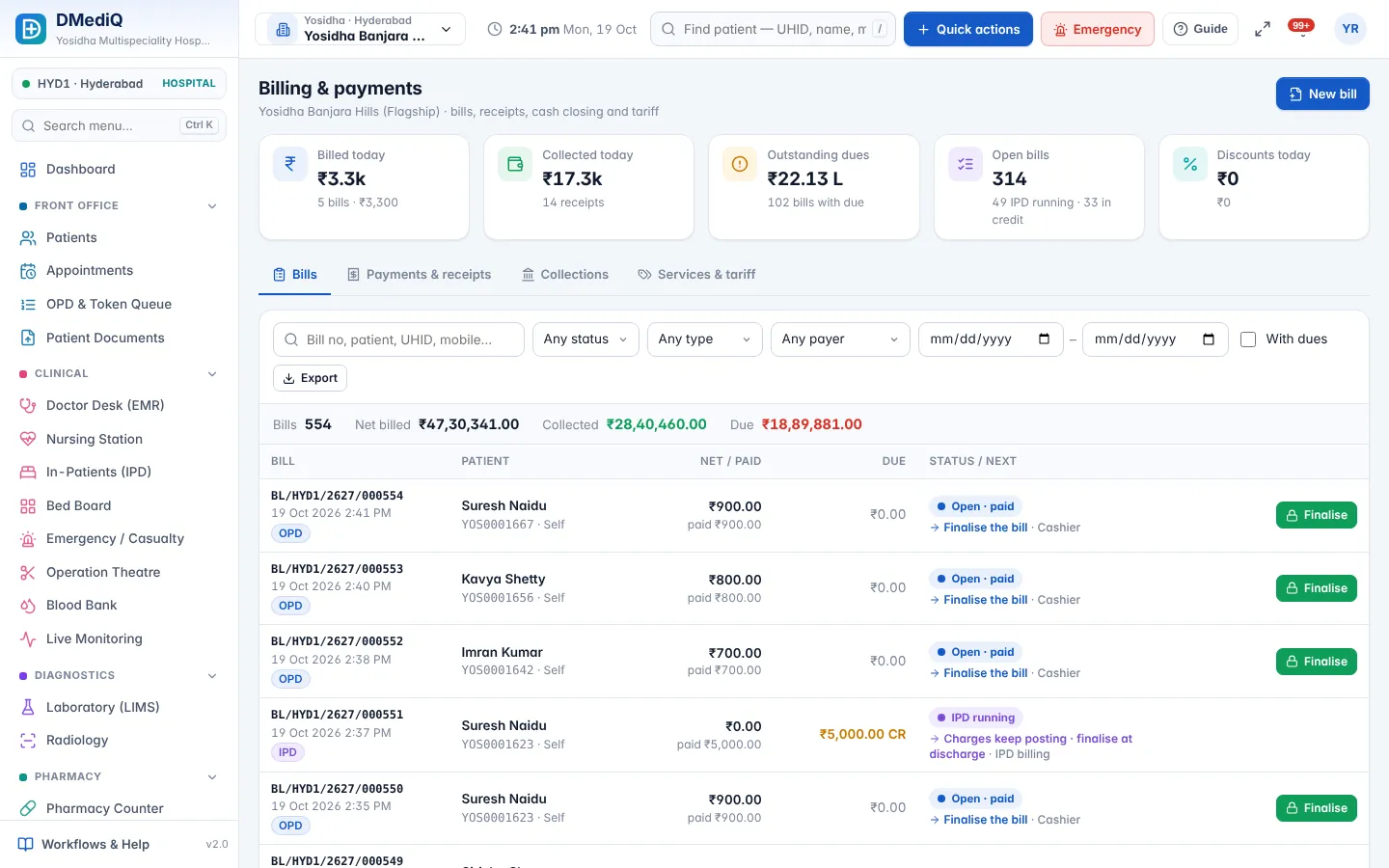
Example: a nephrology & dialysis patient in DMediQ
- Step 1
The patient has three slots a week; each session records pre/post weight and BP.
- Step 2
The monthly panel (Hb, urea, creatinine, K) is ordered automatically.
- Step 3
Sessions are billed to the patient's insurance scheme.
Illustrative example with sample data.
Modules used by Nephrology & Dialysis
FAQ — Nephrology & Dialysis
Can we schedule dialysis machines?
Yes. Schedule by machine and shift and see utilisation.