 DMediQ
Speciality
Emergency & Critical Care software
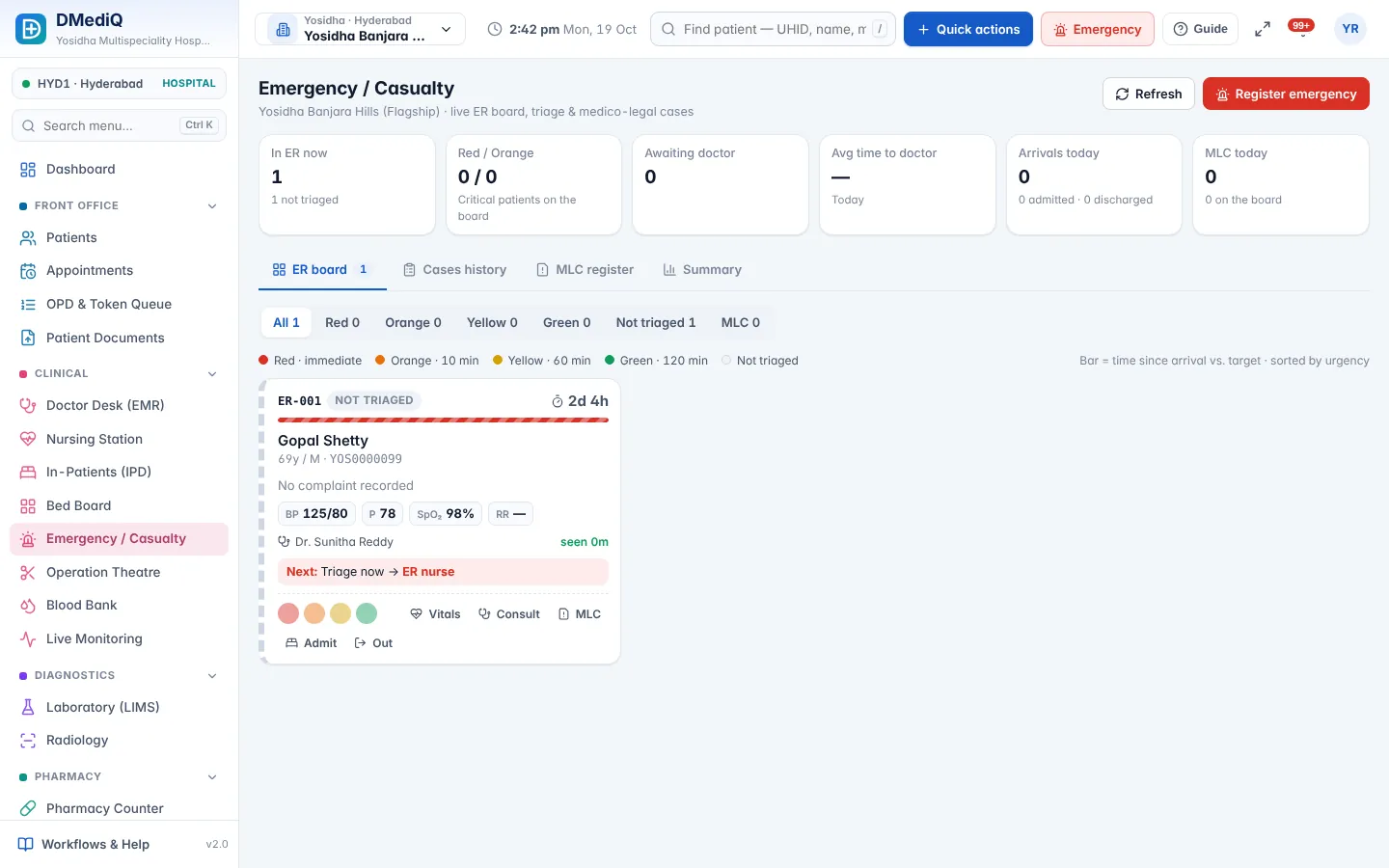
Triage, ICU charts, live device monitoring and NEWS2 early warning for emergency departments and ICUs.
EMR template for Emergency & Critical Care
Ready to use on day one and editable by your doctors.
- Triage level and vitals
- Primary survey and interventions
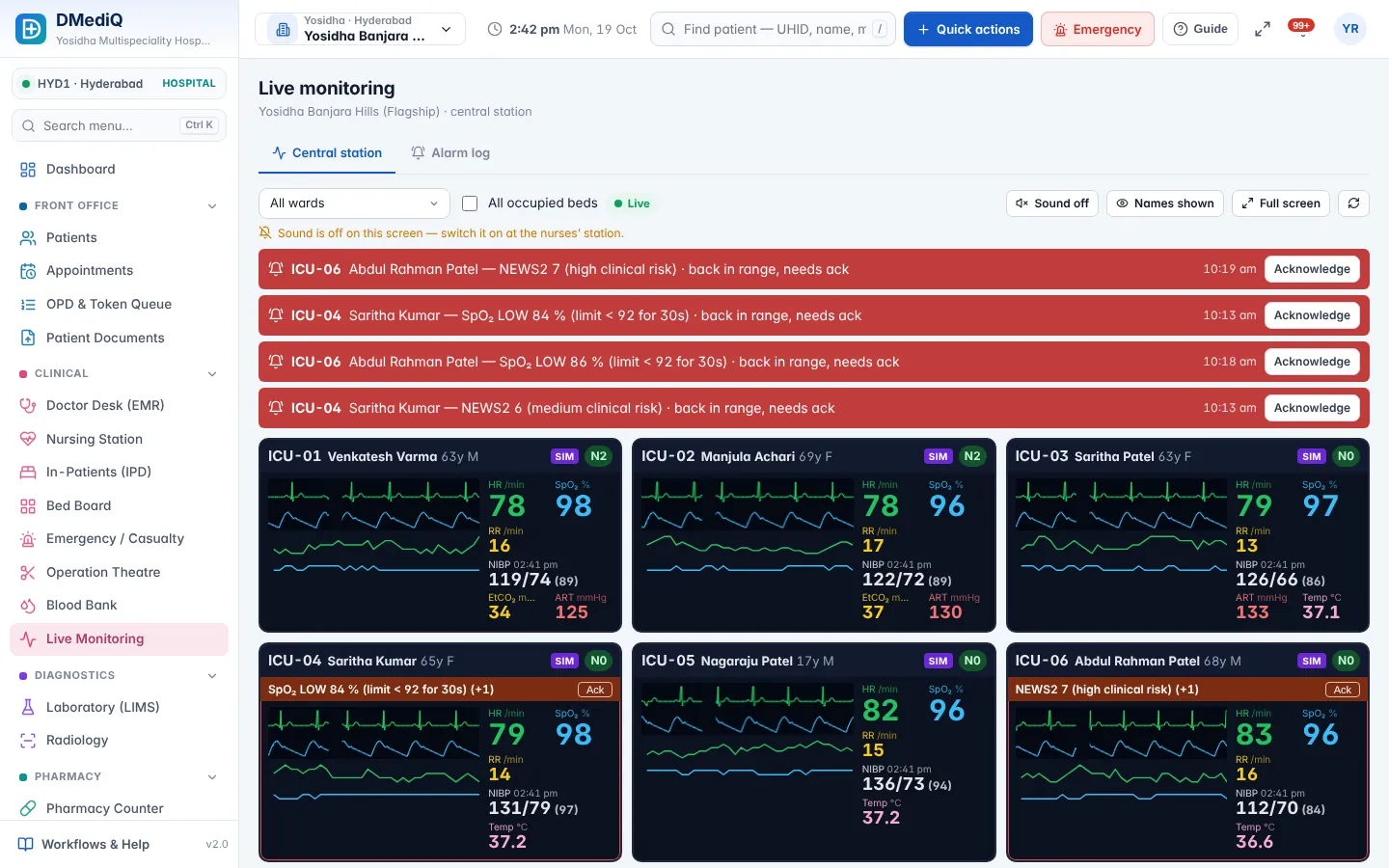
- ICU charting (vitals, drips, ventilator)
- NEWS2 score
Workflows covered
Every step is connected to billing, pharmacy and the lab.
- Quick registration for unknown patients
- MLC details
- Shift to ICU/ward/OT
- Central monitoring with alarms
Emergency & Critical Care in DMediQ — screens
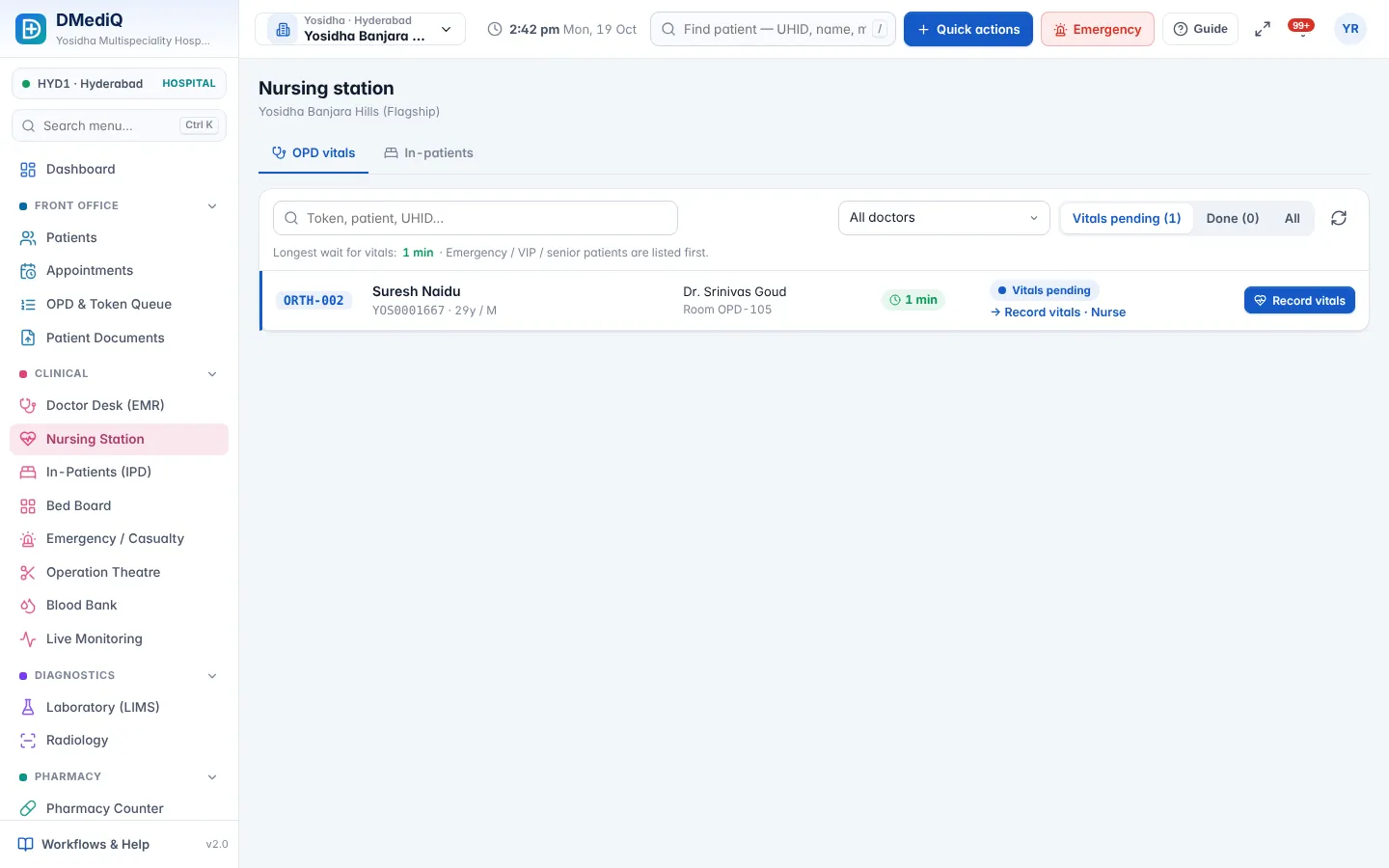
Example: a emergency & critical care patient in DMediQ
- Step 1
An unknown trauma patient is registered in seconds and triaged red.
- Step 2
Labs and imaging are ordered from the casualty screen.
- Step 3
The patient goes to ICU; vitals stream to the central station with alarms.
Illustrative example with sample data.
Modules used by Emergency & Critical Care
FAQ — Emergency & Critical Care
Can we register unknown patients?
Yes. Quick registration creates a temporary record that can be updated later.