 DMediQ
Speciality
IVF & Fertility software
Cycle tracking, couple records and procedure scheduling for fertility clinics.
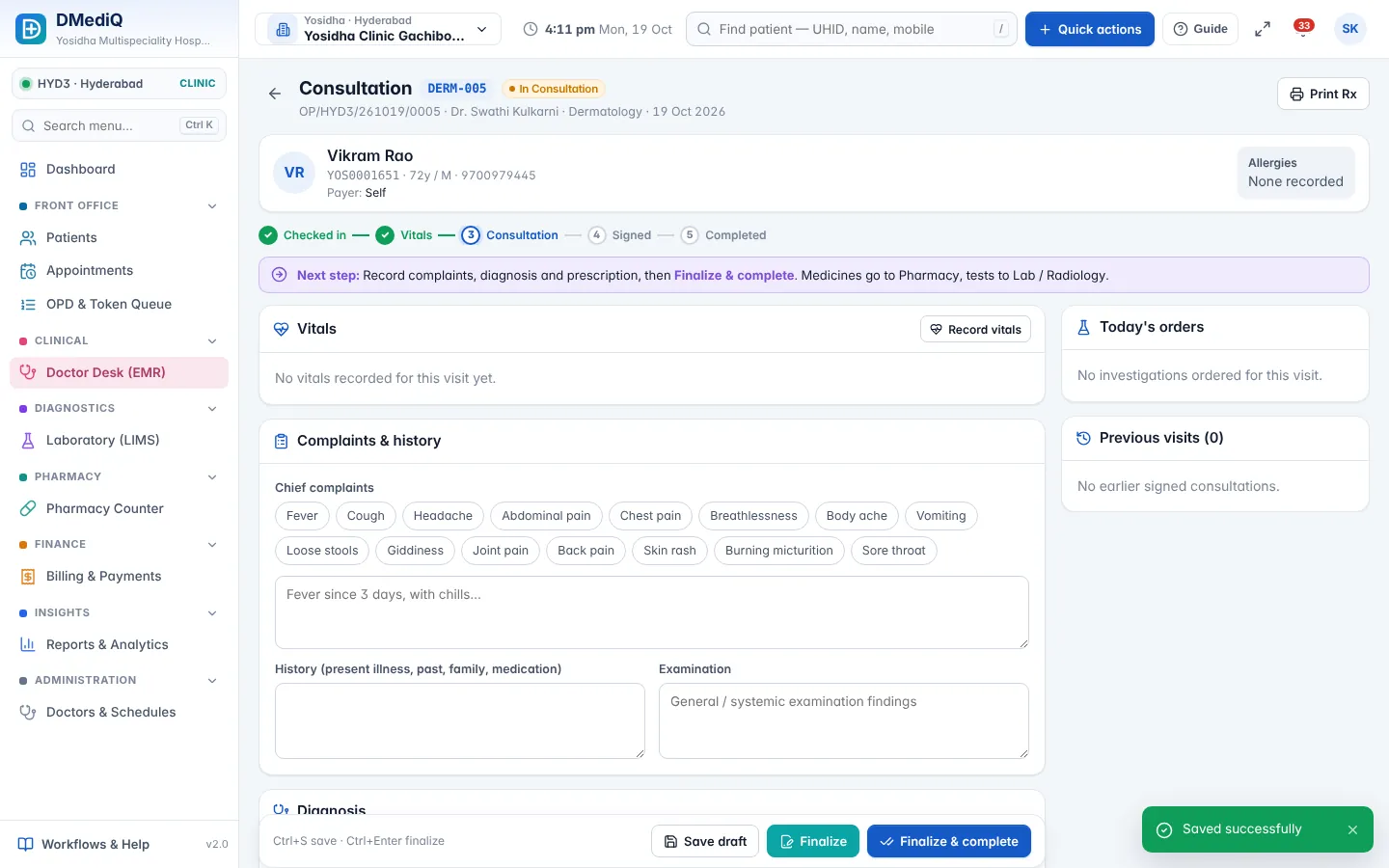
EMR template for IVF & Fertility
Ready to use on day one and editable by your doctors.
- Couple profile (linked partner records)
- Hormone profile and follicle tracking
- Stimulation protocol
- Procedure notes (IUI, OPU, ET)
Workflows covered
Every step is connected to billing, pharmacy and the lab.
- Cycle-wise packages and payments
- Daily monitoring visits
- Procedure scheduling
- Confidential records and consent forms
IVF & Fertility in DMediQ — screens
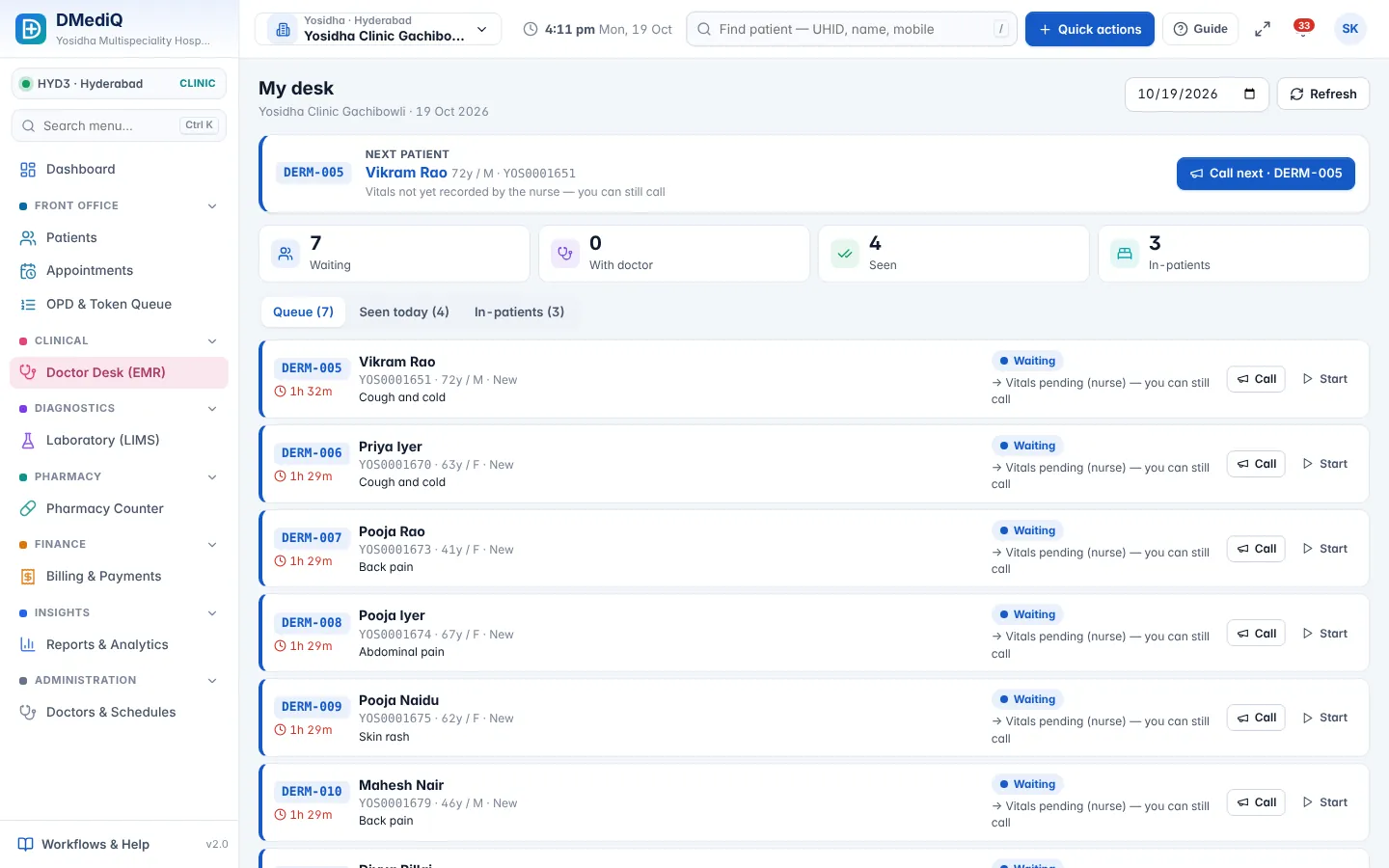
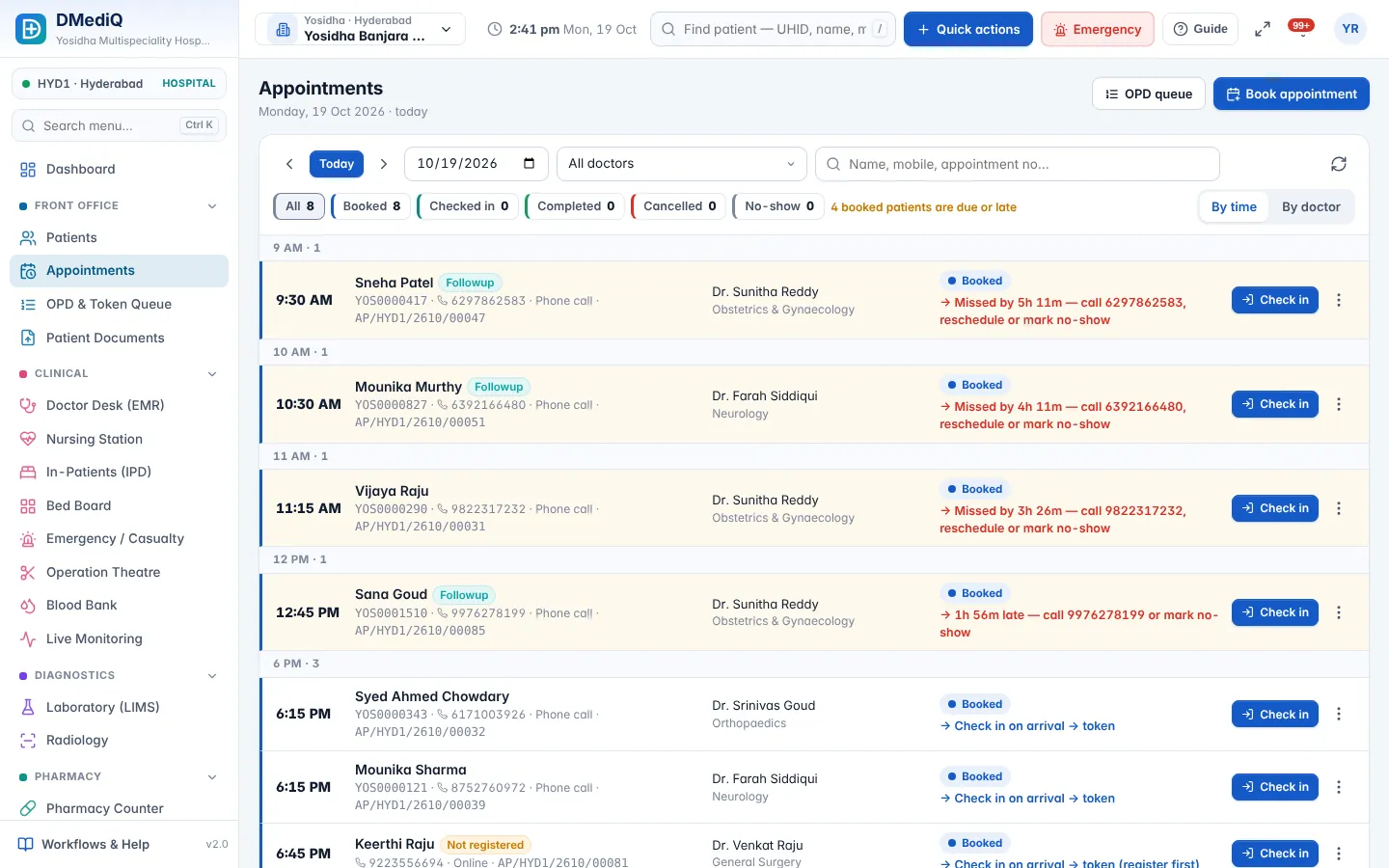
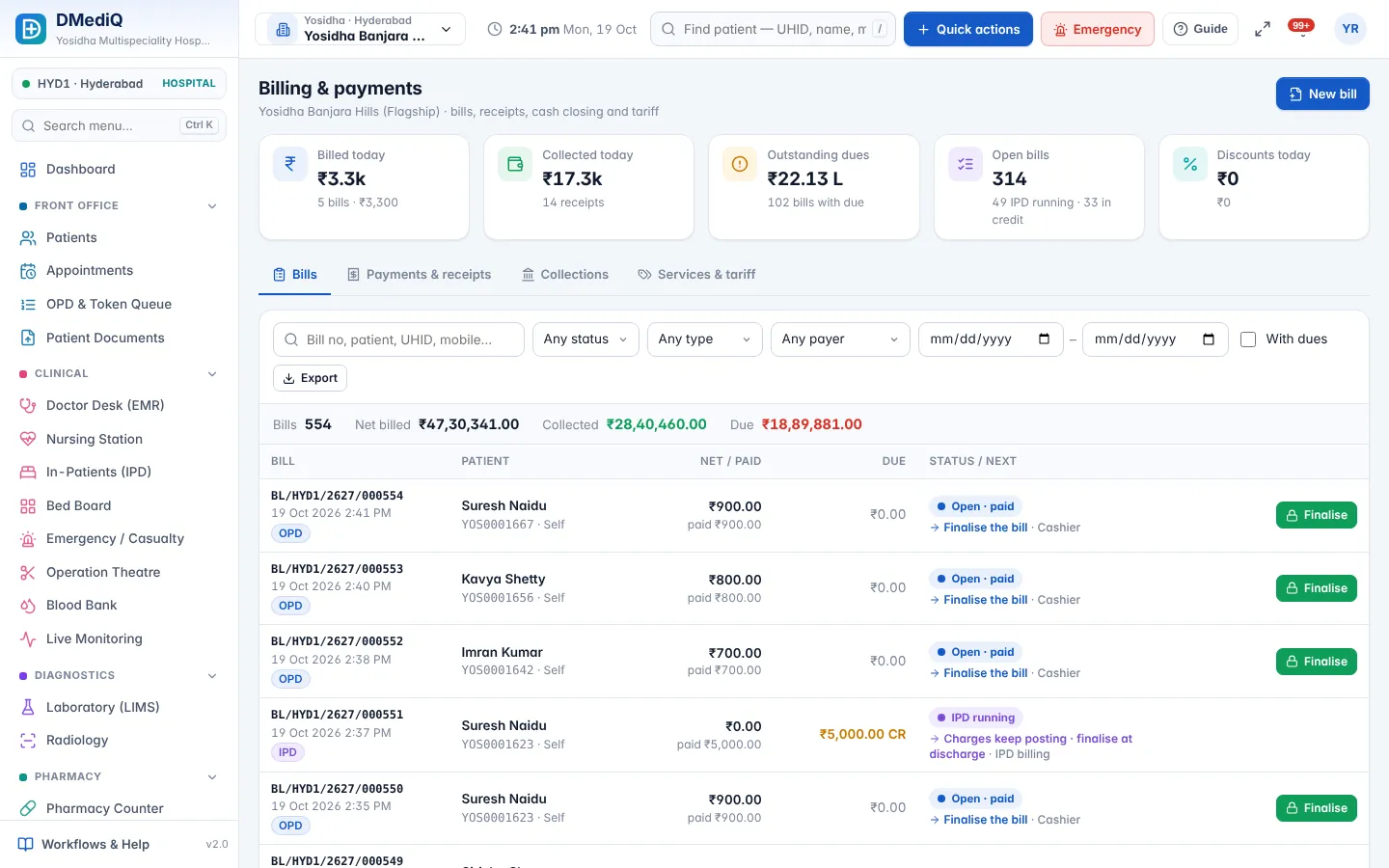
Example: a ivf & fertility patient in DMediQ
- Step 1
The couple is registered with linked records.
- Step 2
Follicle scans are recorded daily during stimulation.
- Step 3
OPU and ET are scheduled; the cycle package is billed in stages.
Illustrative example with sample data.
Modules used by IVF & Fertility
FAQ — IVF & Fertility
Are partner records linked?
Yes. Partner records are linked so both histories are visible to the clinician.