 DMediQ
Speciality
Oncology software
Chemotherapy cycles, BSA-based dosing, regimens and day-care scheduling for cancer care.
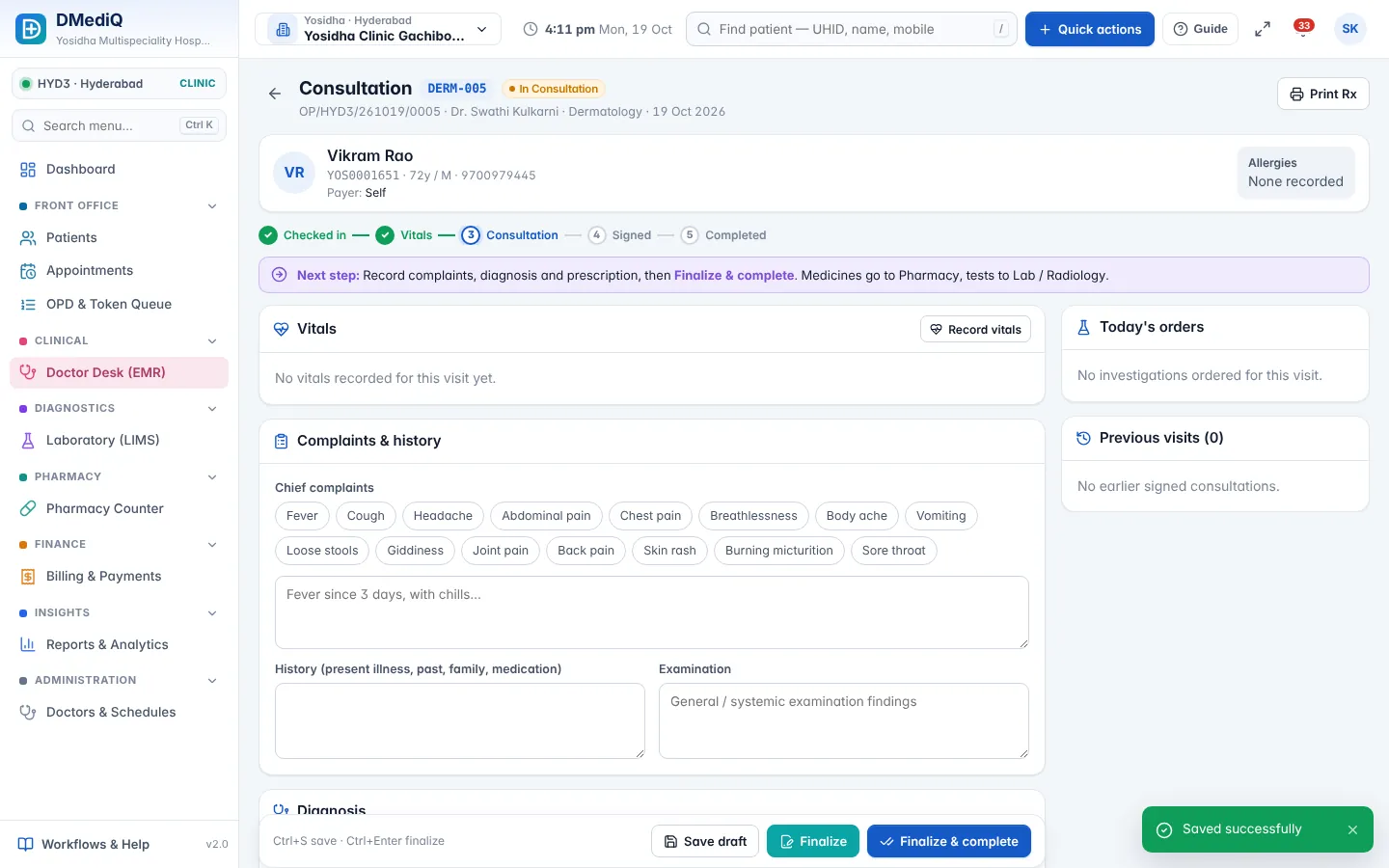
EMR template for Oncology
Ready to use on day one and editable by your doctors.
- Diagnosis, staging (TNM) and histopathology
- Regimen and cycle details
- BSA-based dose calculation
- Toxicity and response assessment
Workflows covered
Every step is connected to billing, pharmacy and the lab.
- Day-care chemotherapy scheduling
- Chemo drug dispensing from pharmacy
- Cycle reminders
- Package billing and insurance pre-auth
Oncology in DMediQ — screens
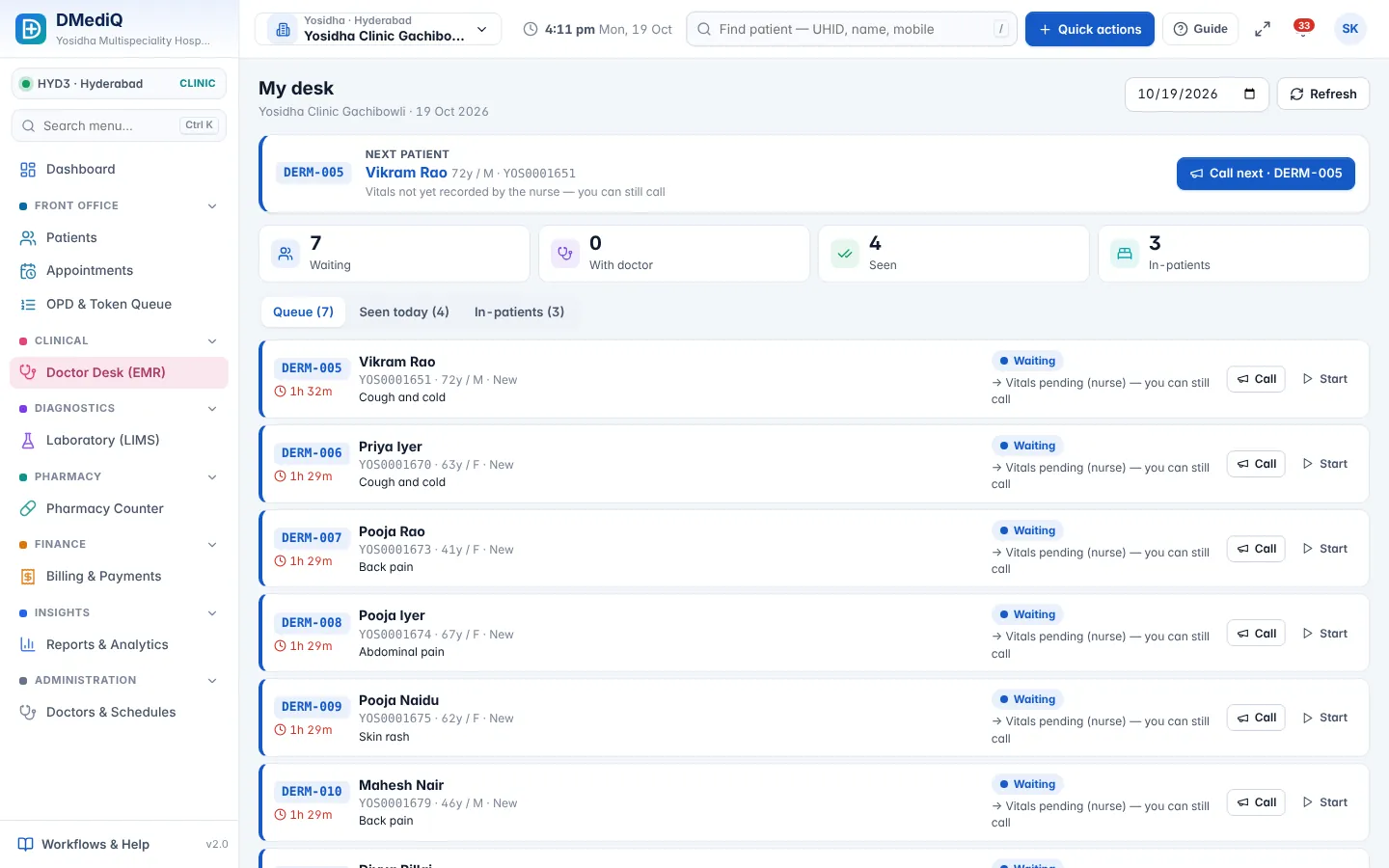
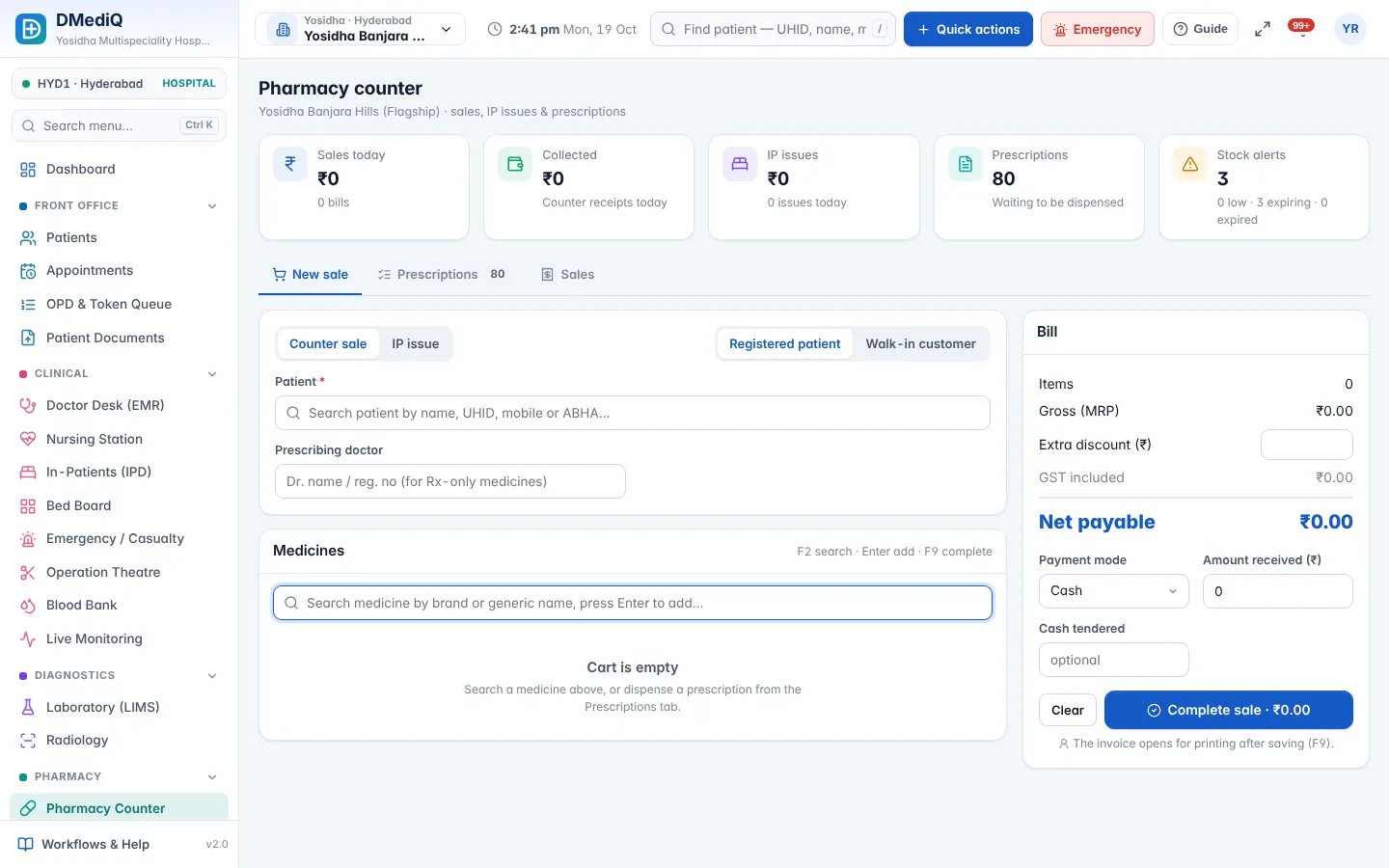
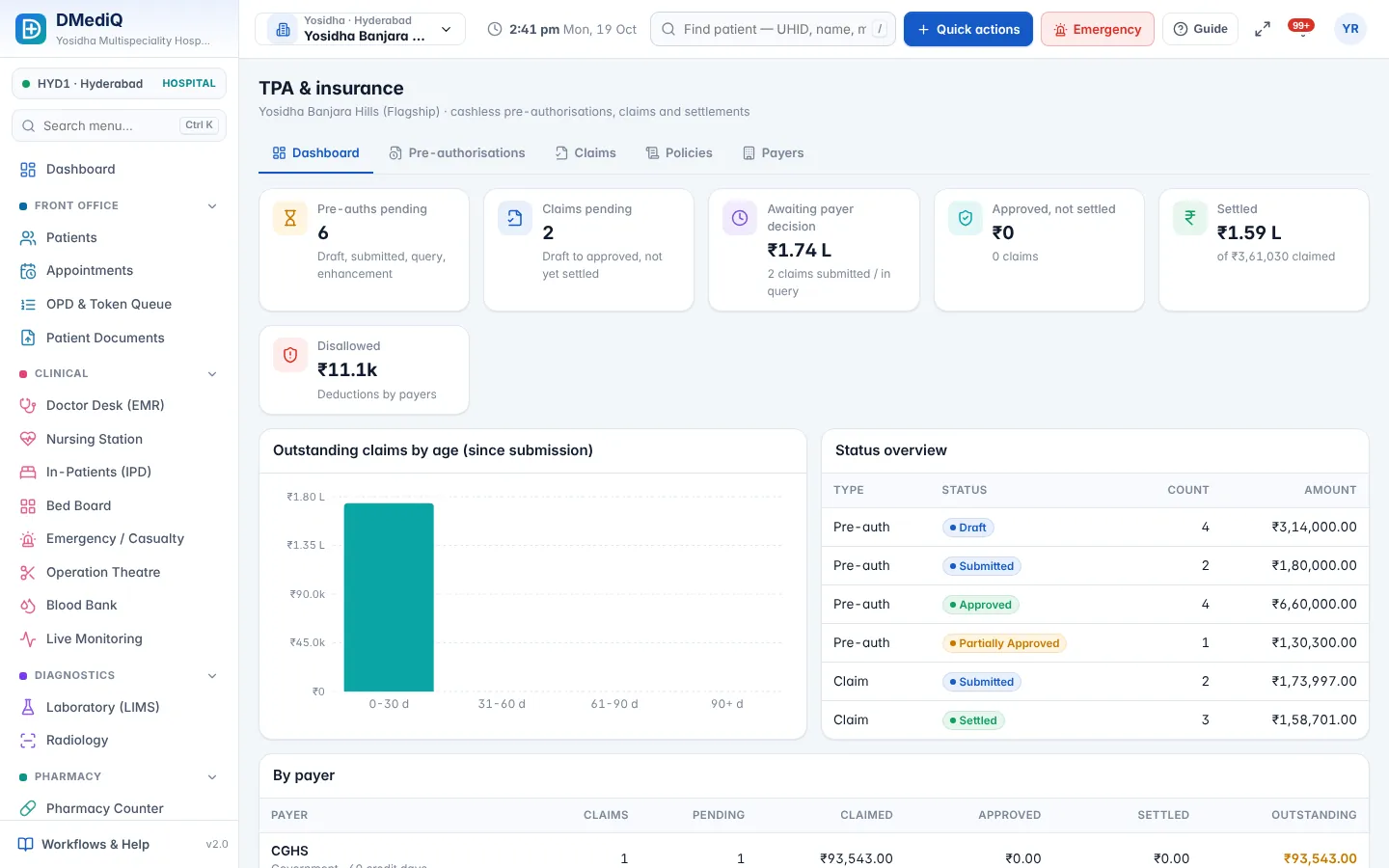
Example: a oncology patient in DMediQ
- Step 1
A regimen is chosen; doses are calculated from height and weight.
- Step 2
Pharmacy prepares drugs for the day-care slot.
- Step 3
The next cycle is booked and a reminder is sent.
Illustrative example with sample data.
FAQ — Oncology
Can we track chemotherapy cycles?
Yes. Each cycle is recorded with dose, toxicity and the next due date.