 DMediQ
Solutions
Find the right DMediQ setup for your facility
Pick your type of facility to see the everyday problems we solve and the modules we recommend. Start small and add more any time — same software, same data.
Solution 1 of 6
Multi-speciality hospitals
50 to 500+ beds with OPD, IPD, OT, ICU, lab, radiology and pharmacy.
Problems we solve
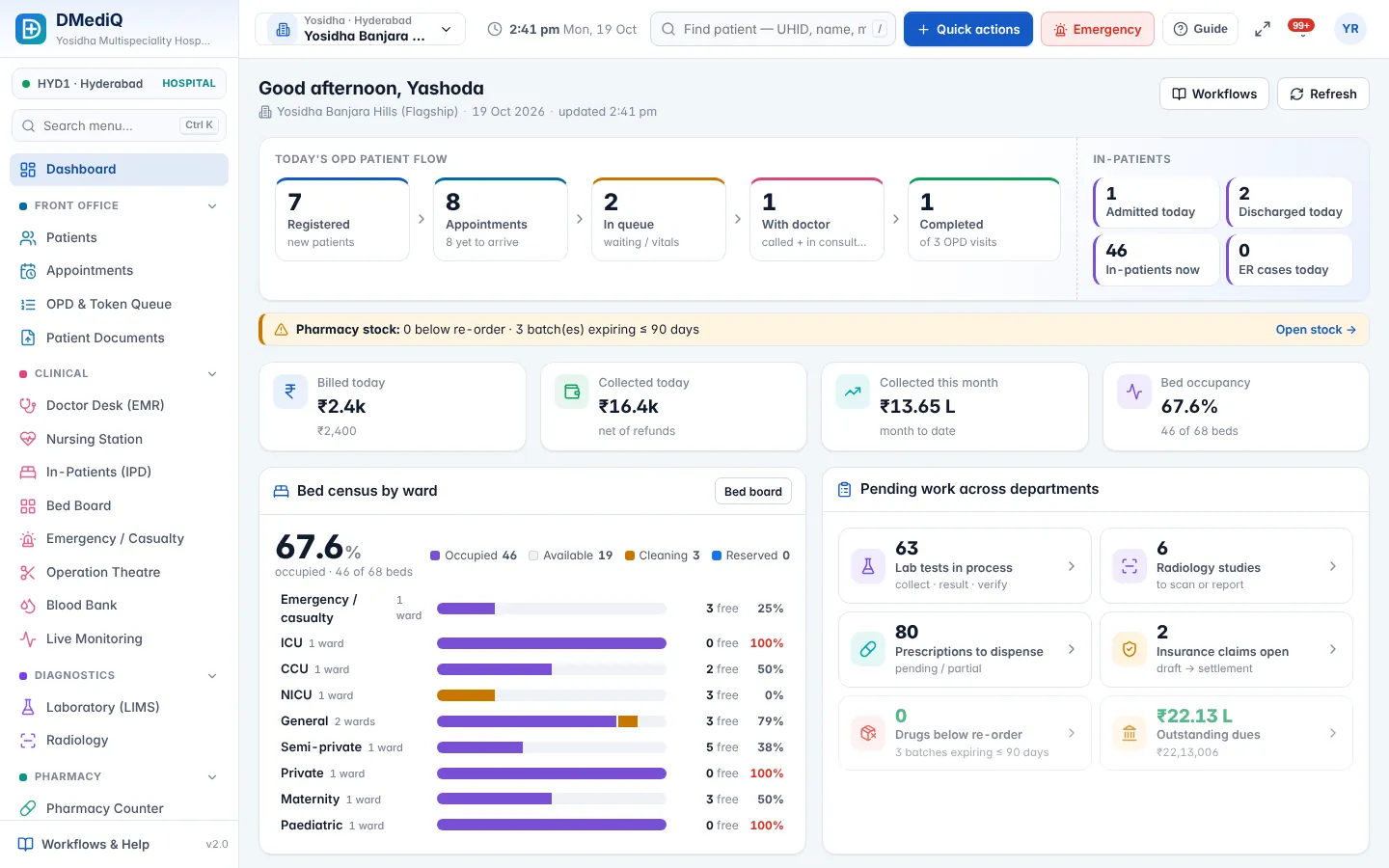
- Departments work in silosOne patient record shared by every department — orders and results flow automatically.
- Missed charges at dischargeServices, bed days and pharmacy post to the bill as they happen.
- Insurance claims get stuckPre-auth, enhancement and claim tracking from the TPA desk.
Recommended modules
Solution 2 of 6
Hospital chains & groups
Several hospitals or clinics across cities under one management.
Problems we solve
- No single view across branchesGroup dashboards and MIS compare revenue, occupancy and footfall by branch.
- Prices and masters differ everywhereCentral services, drugs and prices with per-branch overrides.
- Staff see data they shouldn'tBranch-scoped access — a branch admin sees only their branches.
Recommended modules
Book a demo for hospital chains & groups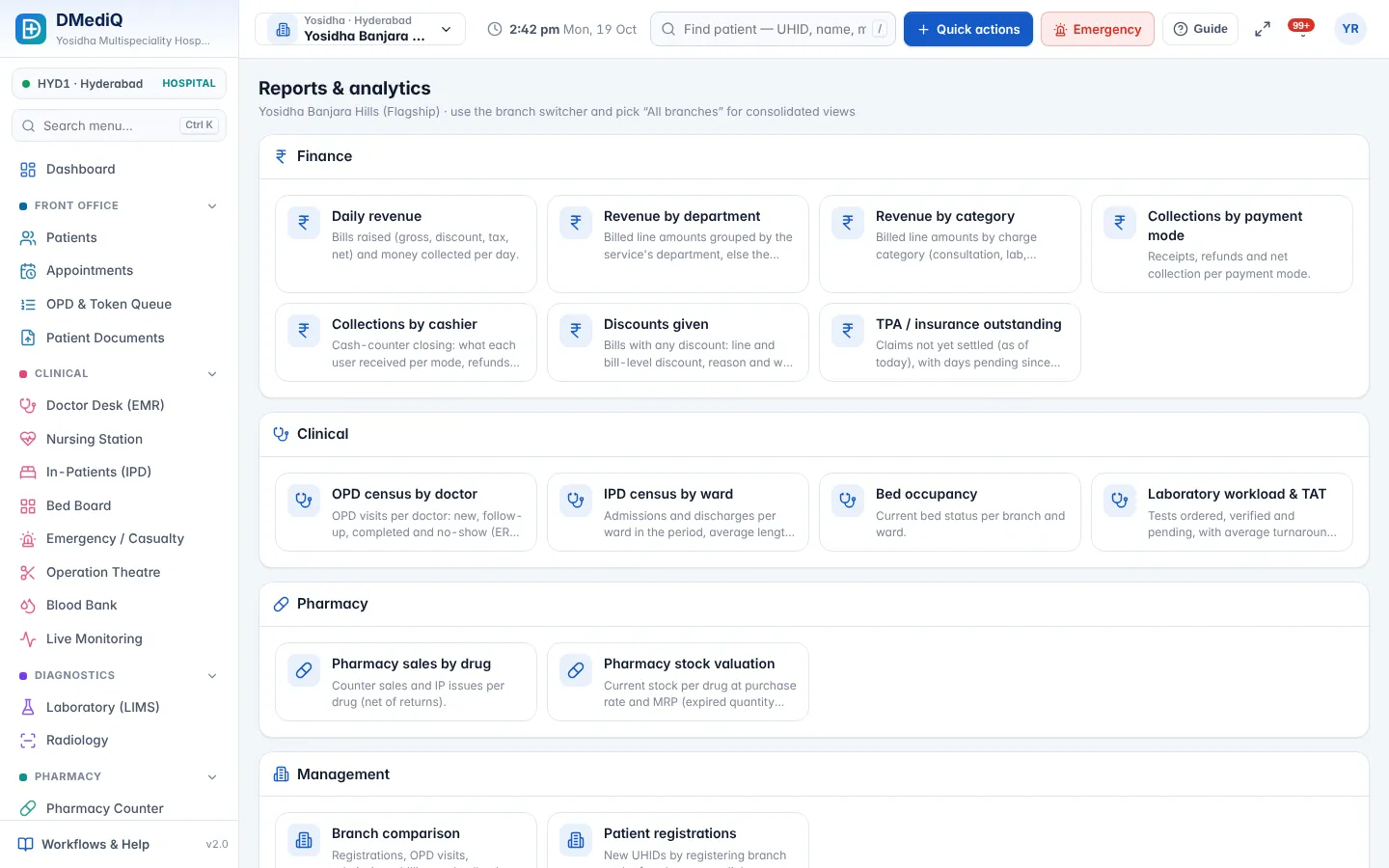
Solution 3 of 6
Nursing homes & small hospitals
10–50 beds, a few doctors, a small team doing many jobs.
Problems we solve
- Too much software to learnStart with OPD, IPD, pharmacy and billing; Easy view keeps screens simple.
- No IT teamCloud hosting, automatic updates and a guided setup wizard.
- Cash flow is tightAdvances, dues and day-end reports always up to date.
Recommended modules
Book a demo for nursing homes & small hospitals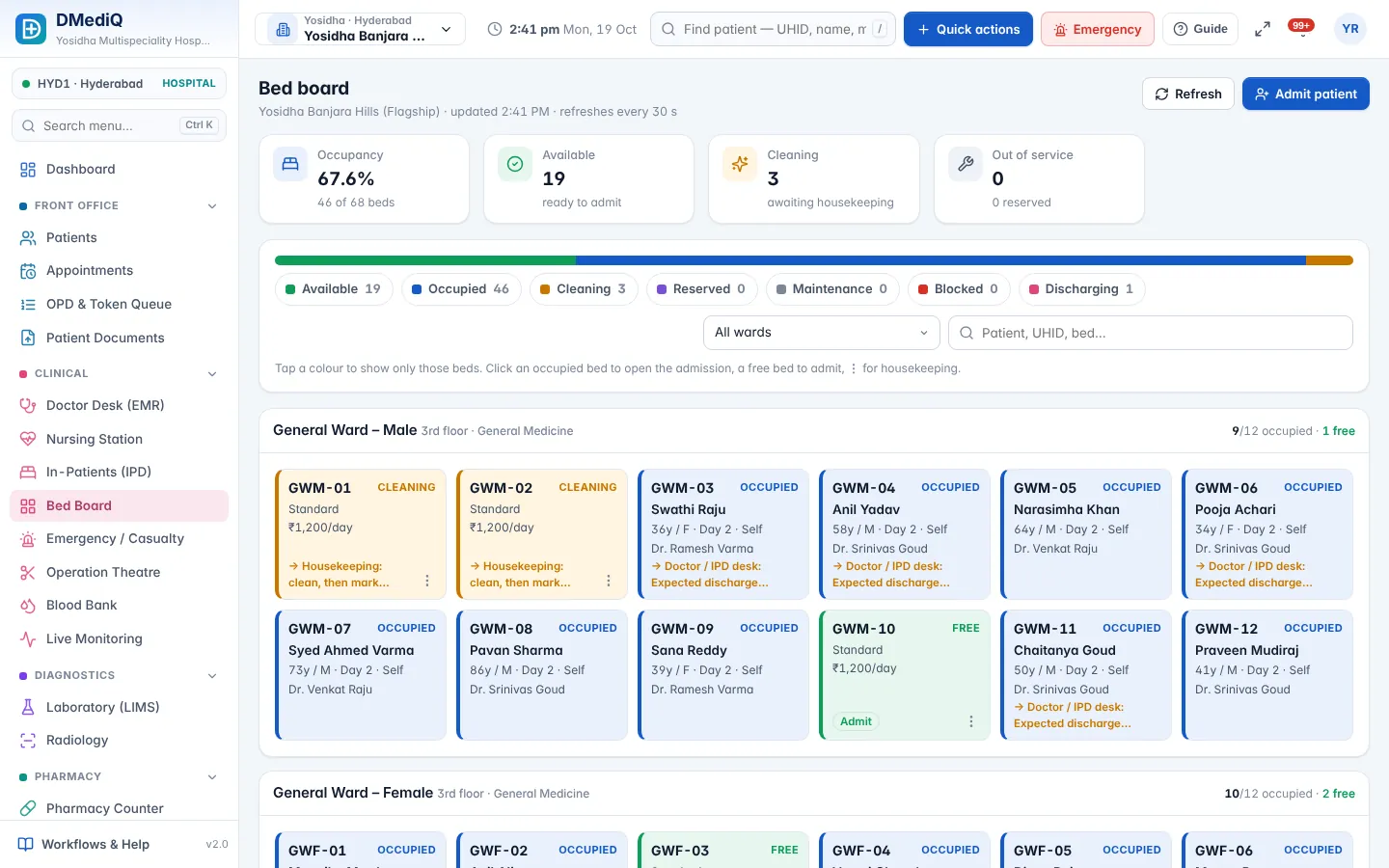
Solution 4 of 6
Clinics & polyclinics
Single-doctor clinics to multi-doctor polyclinics with no in-patients.
Problems we solve
- Crowded waiting roomsOnline booking, token queue, kiosk check-in and TV token display.
- Handwritten prescriptionsFast EMR templates and printed e-prescriptions in seconds.
- Patients don't come backAutomatic follow-up reminders by SMS/WhatsApp.
Recommended modules
Book a demo for clinics & polyclinics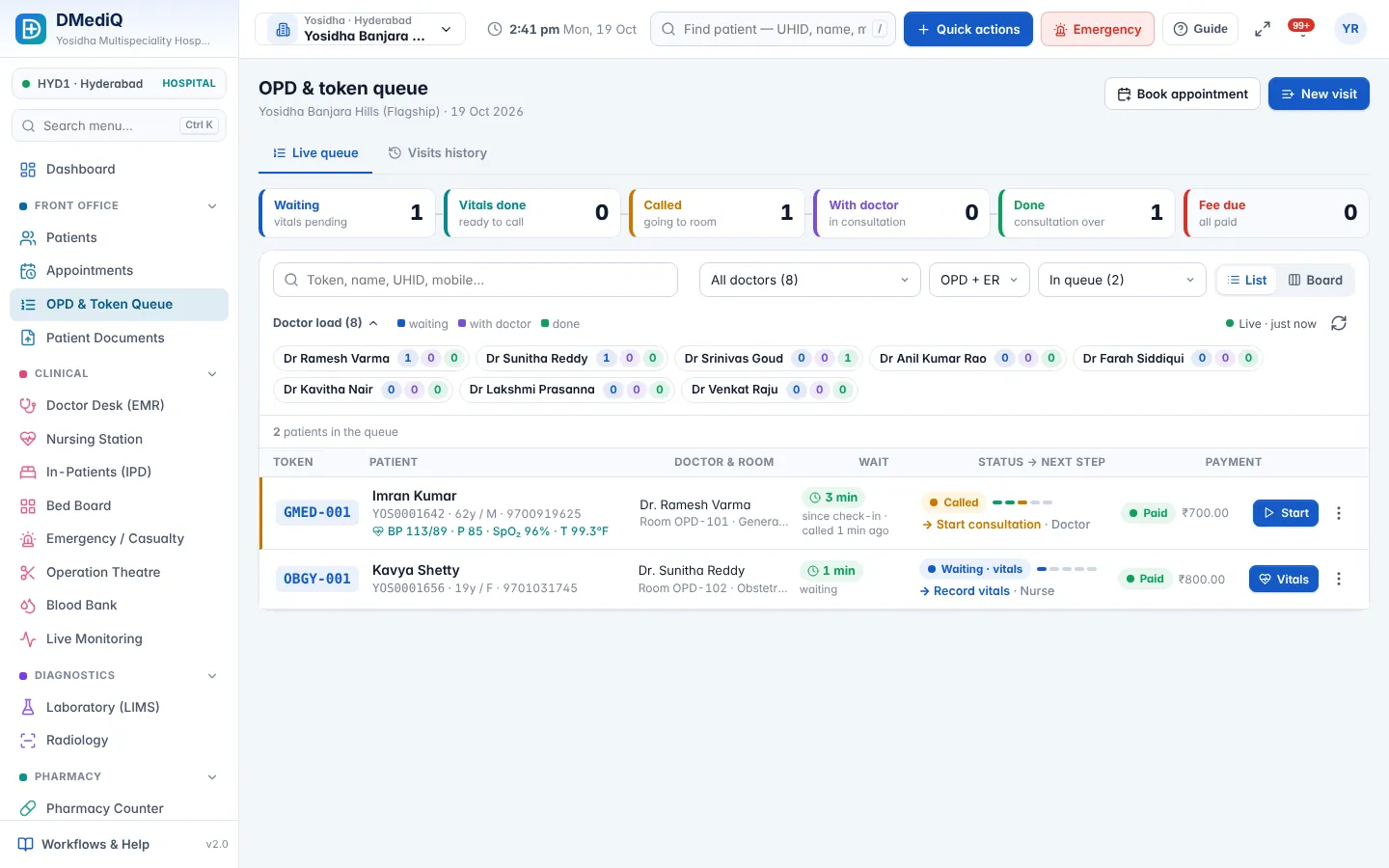
Solution 5 of 6
Diagnostic centres & labs
Pathology labs, imaging centres and collection networks.
Problems we solve
- Samples get mixed upBarcode labels at collection and status tracking for every sample.
- Reports are delayedTurnaround tracking, verification queues and critical-value alerts.
- Report delivery takes callsSecure report links sent by SMS/WhatsApp automatically.
Recommended modules
Book a demo for diagnostic centres & labs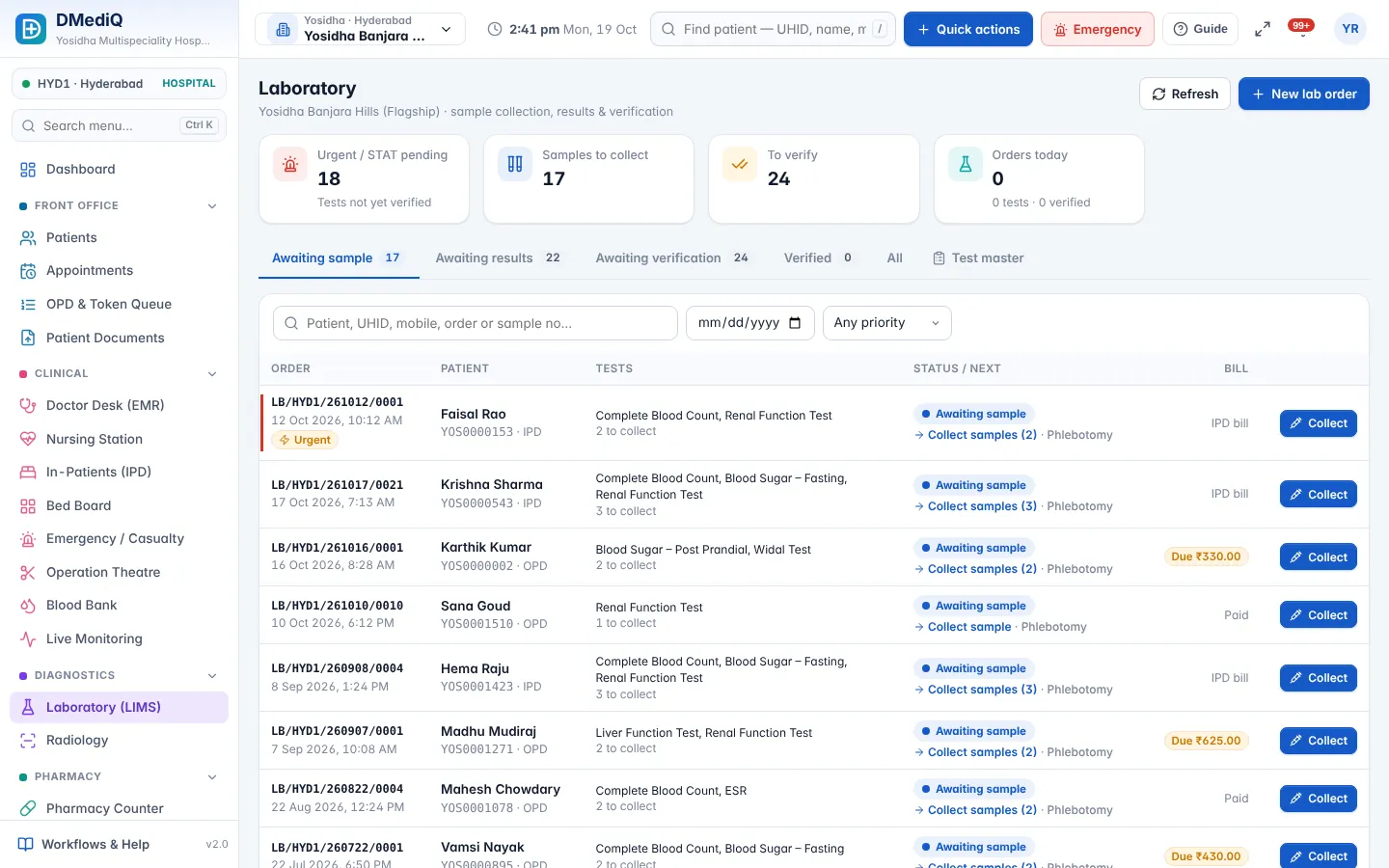
Solution 6 of 6
Pharmacies
Hospital pharmacies and standalone medical stores.
Problems we solve
- Expired stock lossesBatch and expiry tracking with FEFO and 30/60/90-day alerts.
- Stock-outs of fast moversRe-order levels and automatic shortage lists.
- Slow counter billingPrescriptions arrive at the counter ready to dispense; tax-ready bills.
Recommended modules
Book a demo for pharmacies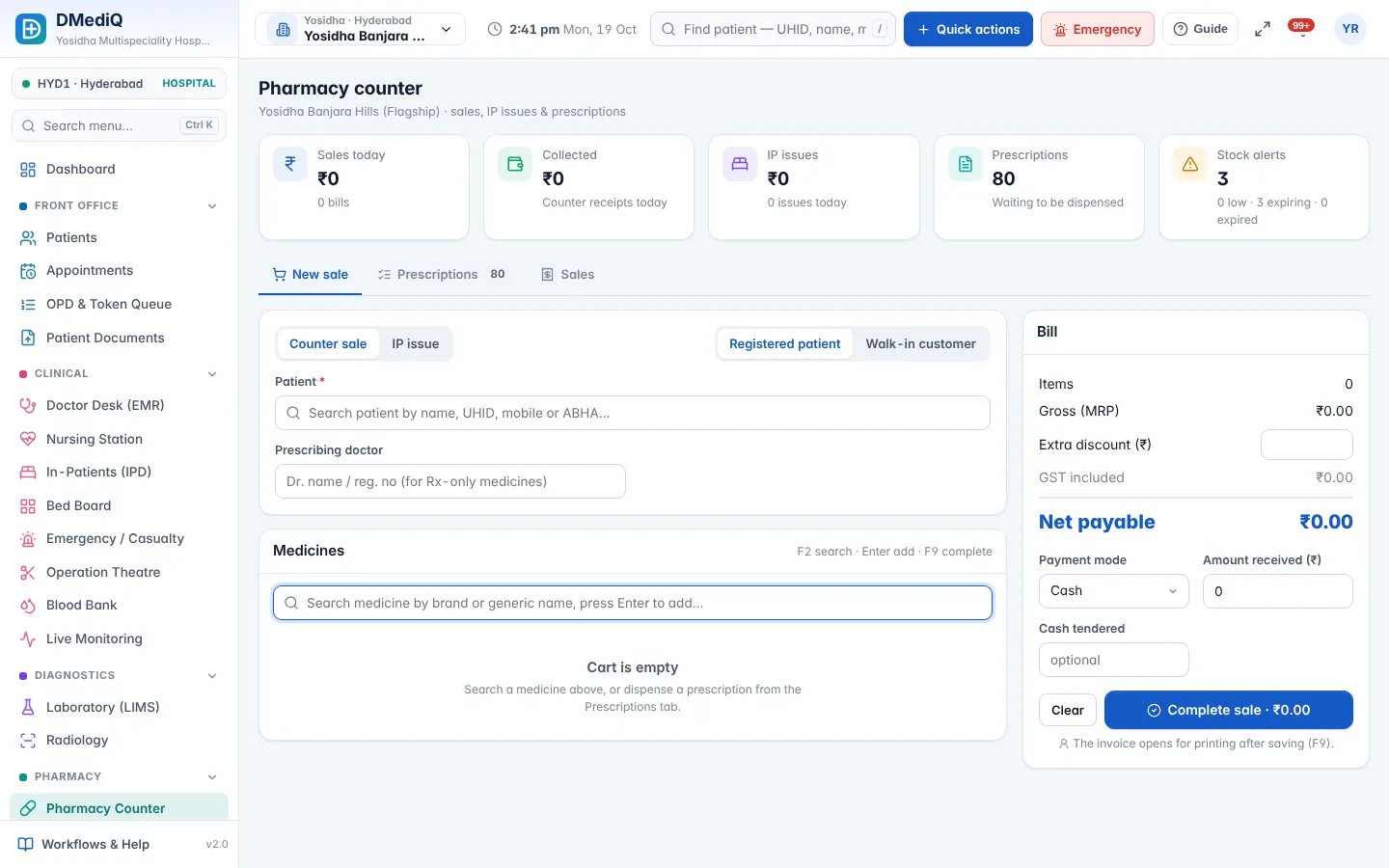
At a glance
Which modules fit which facility?
✓ recommended · ○ optional add-on
| Module | Multi-speciality hospitals | Hospital chains & groups | Nursing homes & small hospitals | Clinics & polyclinics | Diagnostic centres & labs | Pharmacies |
|---|---|---|---|---|---|---|
| OPD & Appointments | ✓ | ✓ | ✓ | ✓ | ○ | ○ |
| EMR & Doctor Desk | ✓ | ✓ | ✓ | ✓ | ○ | ○ |
| IPD, OT & Emergency | ✓ | ✓ | ✓ | ○ | ○ | ○ |
| Laboratory (LIMS) & Radiology | ✓ | ✓ | ○ | ○ | ✓ | ○ |
| Pharmacy & Inventory | ✓ | ✓ | ✓ | ○ | ○ | ✓ |
| Billing, Insurance & TPA | ✓ | ✓ | ✓ | ✓ | ✓ | ✓ |
| Live Patient Monitoring | ✓ | ✓ | ○ | ○ | ○ | ○ |
| Patient Engagement | ✓ | ✓ | ○ | ✓ | ✓ | ○ |
| Analytics, Security & Setup | ✓ | ✓ | ○ | ○ | ○ | ○ |
Grow at your pace
Start small. Add modules when you're ready.
- Start
OPD, EMR and billing
Go live in days at the front desk and doctor's room.
- Expand
Pharmacy, lab and IPD
Connect diagnostics, stock and in-patients to the same record.
- Scale
Branches, TPA and monitoring
Add branches, insurance and ICU devices — no migration needed.
Not sure which fits you?
We are a clinic today but plan to add beds. Which should we choose?
Start with the clinic setup. When you add beds, switch on IPD and pharmacy — your patients and history stay the same.
Can different branches use different modules?
Yes. Modules can be turned on or off per branch.
Is pricing different for each solution?
Pricing depends on the modules, users and branches you use. Request a demo and we'll share a proposal.